- Target languages first; build country versions only where branches, contacts or offers genuinely differ.
- Give each language its own URL and connect versions with complete, reciprocal hreflang tags.
- Never auto-redirect by browser language or IP; link each page to its equivalent in the other language.
- Google judges page language from visible text, so Arabic pages must be fully Arabic and built RTL in the markup.
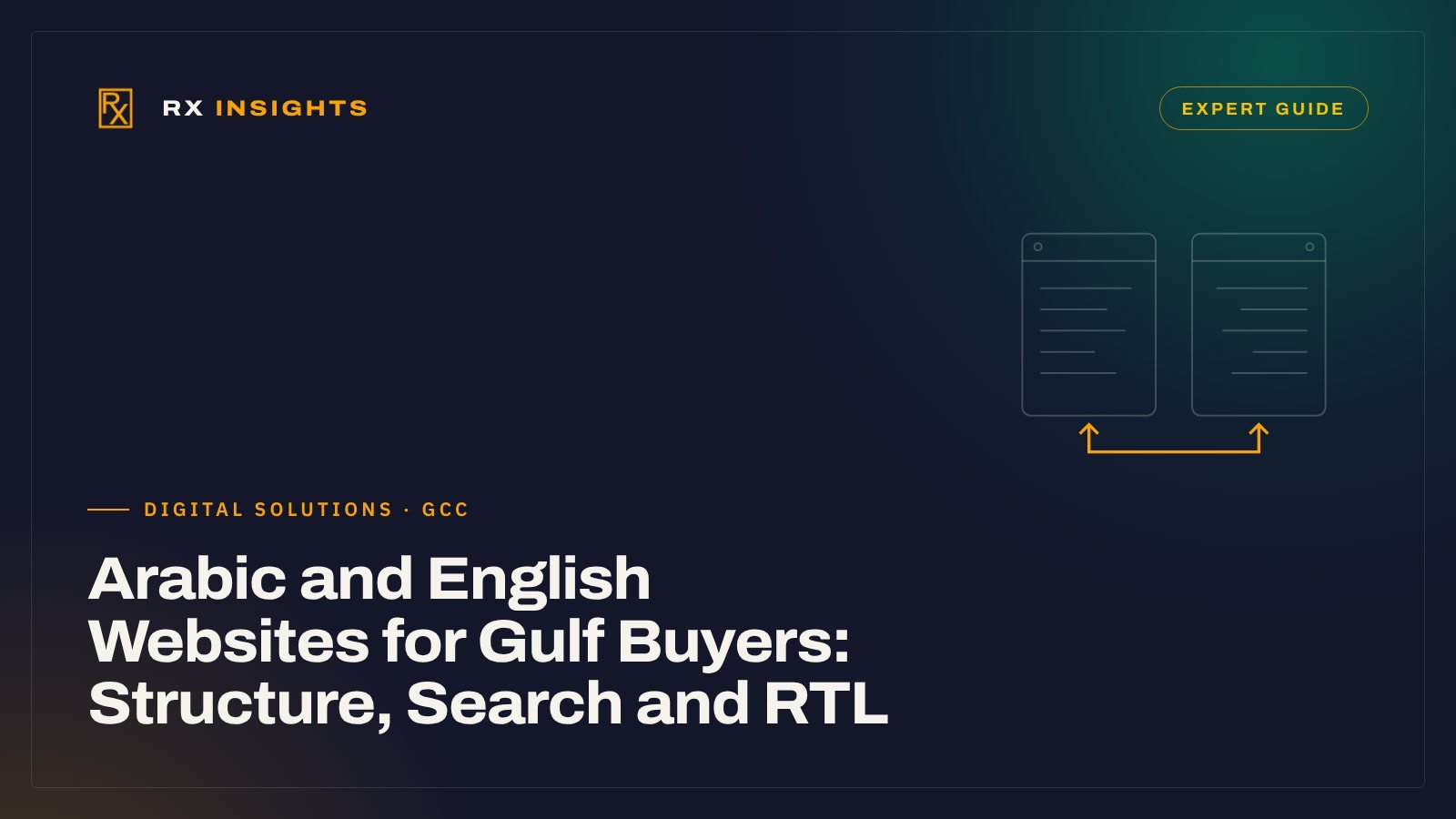
A company selling across Saudi Arabia, the UAE and Qatar usually ends up with two audiences on one website: buyers who search and read in Arabic, and buyers, consultants and procurement teams who work in English. Many bilingual sites in the region are built as an English site with a translation button bolted on. The result is predictable: the Arabic pages rarely rank, the language switch sends people to the homepage, and the layout breaks the moment Arabic text meets an English product code.
The fixes are mostly structural decisions made before design starts. This guide walks through them in the order you should make them, using Google’s own documentation on multi-regional and multilingual sites as the technical baseline.
Decision one: are you targeting languages, countries, or both?
Google draws a clear line between two kinds of international site. A multilingual site offers content in more than one language, and Search tries to match each page to the searcher’s language. A multi-regional site explicitly targets users in different countries, and Search tries to show the right country version. A site can be both.
For most Gulf B2B companies the honest answer is: language first, country only where the offer genuinely differs.
| Your situation | Sensible structure |
|---|---|
| Same services, same prices and contacts in every Gulf country | Two language versions (Arabic and English) on one domain. No country versions. |
| Different branches, phone numbers or approvals per country, same core services | Two language versions, plus country-specific pages (contact, branches, compliance) inside each language. |
| Different product ranges, pricing, legal entities or brands per country | Full country-and-language versions, for example Saudi Arabic, Saudi English, UAE Arabic, UAE English. |
Google notes that geotargeting can improve rankings in the target country, but at the expense of results in other locales or languages. Creating a UAE copy and a Saudi copy of identical pages, with only the country name swapped, adds maintenance without giving either version a reason to rank. Build country versions when you have country-specific substance: local branches, local phone numbers and addresses, local currency, local approvals.
Give every language its own URL
Google recommends a separate URL for each language version rather than switching language with cookies or browser settings. It also notes that its crawler usually crawls from the USA and does not send an Accept-Language header, so a page that changes language based on the visitor’s browser may only ever be seen in one language. Its guidance on locale-adaptive pages says the same: use separate locale URLs with hreflang annotations.
That leaves four ways to build the URLs:
| Structure | Example | What Google says |
|---|---|---|
| Country domain (ccTLD) | example.sa, example.ae | Clearest country signal, but more cost and infrastructure, possible registration rules, and each domain targets one country only. |
| Subdomain | ar.example.com | Easy to set up; users may not know whether the prefix means a language or a country. |
| Subdirectory | example.com/ar/ | Easy to set up and low maintenance on one host; the country target is not obvious from the URL. |
| URL parameter | example.com?lang=ar | Not recommended. |
For a single company serving the Gulf in two languages, subdirectories (/ar/ and /en/, or English at the root and Arabic under /ar/) are usually the most practical. Authority built by one language version sits on the same domain as the other, and there is one site to maintain. Country domains make sense mainly when separate legal entities run separate operations.
Two smaller points from the same guidance. Localised words in URLs are acceptable, including Arabic slugs, as long as the site uses UTF-8 and escapes URLs properly (our note on hyphens, underscores and Arabic slugs covers the details). And Google ignores locational meta tags such as geo.position, so do not rely on them.
Connect the versions with hreflang, and get the details right
Hreflang tells Google that two URLs are the same page in different languages or for different regions, so it can show the Arabic version to Arabic searchers and the English version to English searchers. Google’s documentation on localised versions sets out the rules, and most broken implementations fail on one of them:
- Codes. The language code is ISO 639-1 (ar, en), optionally followed by an ISO 3166-1 Alpha 2 region code (ar-SA, ar-AE, ar-QA, en-SA). A region on its own is not allowed. Plain ar and en are enough if you are not building country versions.
- Return links. Every version must list itself and every other version, with an identical set of links on each. If two pages do not point to each other, Google ignores the tags.
- Full URLs. Each URL must be fully qualified, including https://. Relative paths do not work.
- A fallback. hreflang=”x-default” marks the page to show when no listed language matches, typically a language or country selector, or your main version.
- One method. HTML link tags in the head, HTTP headers (useful for PDFs such as catalogues) and the XML sitemap are treated as equivalent. Google says using all three gives no extra benefit and is harder to maintain. Pick one.
For a site with Arabic and English and no country versions, a service page would carry three lines in its head: one for ar, one for en and one for x-default, with the same three lines on the matching page in the other language.
Let people choose their language; do not choose for them
Google advises against automatically redirecting users based on a guess of their language, and recommends hyperlinks to the other language versions instead. It also advises against adapting content by IP address, which it calls unreliable. In the Gulf this matters more than elsewhere: a Saudi procurement manager may browse in English on a work laptop and in Arabic on a phone, and an English-speaking consultant in Dubai may need the Arabic page to share with a client.
In practice:
- Put a visible language switch on every page, and make it link to the same page in the other language, not to the other homepage.
- Label it in the target language: “العربية” on English pages, “English” on Arabic pages.
- Check your multilingual plugin’s settings. Polylang, a widely used WordPress option, offers a browser-language detection setting that redirects first-time visitors from the homepage according to their browser language and remembers the choice in a cookie. Its documentation notes that turning the redirect off fully also requires hiding the default language code in the URL settings. Whatever plugin you use, confirm what it does on the homepage before launch.
- Polylang’s URL settings support the directory, subdomain and separate-domain structures described above. Choose the structure first, then configure the plugin to match it.
One language per page, and RTL handled in the markup
Google recommends keeping content and navigation on each page in a single language and avoiding side-by-side translations. That rules out the common “Arabic paragraph, English paragraph” page that tries to serve everyone and ranks for neither. It also means translating the whole page: navigation, buttons, form labels, footer, image alt text, title tag and meta description.
Right-to-left layout is where Arabic versions most often look unfinished. The W3C’s guidance on structural markup and right-to-left text gives the foundations:
- Set dir=”rtl” on the html element of Arabic pages, together with lang=”ar”. The lang attribute does not set direction on its own.
- Do not set base direction with CSS. Direction belongs in the markup so the text still reads correctly if styles fail to load.
- Build the stylesheet with logical properties (margin-inline-start, text-align: start) instead of left and right. With dir=”rtl” in place, the layout then mirrors without a second stylesheet.
- Use dir=”auto” and the bdi element for inserted text whose direction you cannot predict, such as form input or names pulled from a database.
Then test the content that B2B sites actually contain: Arabic sentences with English model numbers, standards and brand names inside them; phone numbers; prices; tables of specifications. These mixed-direction strings are where punctuation jumps to the wrong end of a line and numbers appear out of order. Review them with an Arabic reader on a real phone, not only on a desktop preview.
Decide which pages to write natively in Arabic
Translation is not a strategy for every page. Pages that exist to be found and to convince need to be written for the Arabic reader, using the words that reader actually searches with; our guide to Arabic SEO for Saudi B2B companies covers ranking in both languages. Pages that exist to inform can be translated carefully.
| Write natively in Arabic | Translate carefully |
|---|---|
| Service pages and the homepage | Product specification pages and data tables |
| Landing pages for Arabic ad campaigns | Policies, terms and privacy pages |
| Contact and quotation pages, including form microcopy and WhatsApp prompts | Project descriptions and news items |
| Titles, meta descriptions and headings of every page | Downloadable documents such as catalogues |
Native writing does not mean a different message. The positioning, offers and proof stay the same; the phrasing, examples and search terms change. A useful check is to show the Arabic service page to someone in your sales team who handles Arabic inquiries and ask whether it sounds like how customers describe the problem on the phone. Before writing, look at the real Arabic and English queries that already reach your site in Google Search Console rather than assuming which terms people use; Arabic keyword research for B2B explains how to handle dialects, spellings and English searches.
This is where web structure and content meet. When RX builds corporate websites and landing pages, bilingual content is planned with the page structure, not added after it; the SEO and search visibility work then checks which language versions are actually being found.
Pre-launch checklist
- Each language version has its own URL, using one consistent structure.
- Every page has hreflang tags for itself and each alternate, with fully qualified URLs and an x-default.
- No automatic redirect by browser language or IP, including on the homepage.
- The language switch on every page links to the equivalent page, not the homepage.
- Arabic pages are fully in Arabic: menus, buttons, forms, footer, alt text, titles and meta descriptions.
- dir=”rtl” and lang=”ar” are on the html element of Arabic pages; CSS uses logical properties.
- Mixed Arabic and English strings, numbers and tables have been reviewed on mobile by an Arabic reader.
- Robots rules and canonical tags are the same across language versions; no Arabic page is accidentally noindexed or canonicalised to its English twin.
- Country pages exist only where there is genuinely local content: branches, numbers, addresses, approvals.
- Search Console is set up so you can see which queries and pages each language version receives after launch.
If your current site already exists in two languages and the Arabic version is not bringing inquiries, the cause is usually in the first three items on this list. To see how this structure looks in finished work, browse the websites RX has built.
Frequently asked questions
Should an Arabic and English website use /ar/ subfolders or a separate domain?
For one company serving several Gulf countries, subfolders such as /ar/ and /en/ on one domain are usually simplest to run. Google lists subdirectories as easy to set up and maintain; country domains suit separate legal entities with separate operations.
Do I need ar-SA and ar-AE hreflang codes, or is ar enough?
Plain ar and en are enough if the content is the same for every country. Use language-region codes such as ar-SA or ar-AE only when you have genuinely different country versions. A region code on its own is not valid.
Is it acceptable to redirect Arabic-speaking visitors to the Arabic site automatically?
Google advises against automatic redirects based on a guess of the user's language, and its crawler does not send a language header. Offer a visible language switch that links to the same page in the other language instead.
- Google Search Central, Managing multi-regional and multilingual sites (2025-12-10).
- Google Search Central, Tell Google about localized versions of your page (2026-09-21).
- Google Search Central, How Google crawls locale-adaptive pages (2025-12-10).
- W3C Internationalization, Structural markup and right-to-left text in HTML.
- Polylang documentation, URL modifications.
- Polylang documentation, Detect the browser preferred language.