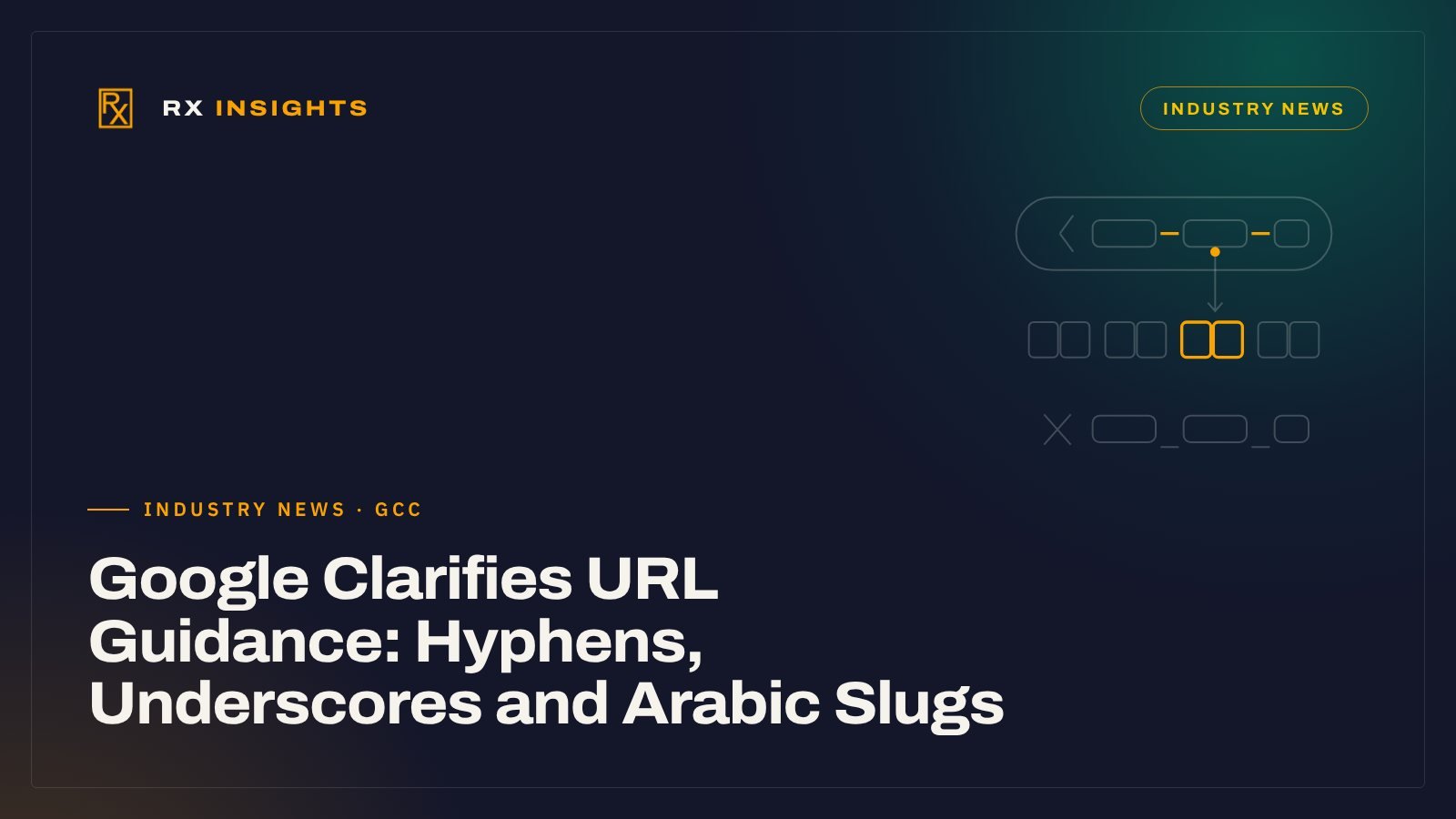
- Google's 23 October 2026 update recommends hyphens over underscores; it says nothing about a ranking boost.
- Arabic slugs are acceptable; Google recommends percent-encoding non-ASCII characters in links, and the hyphen convention works between Arabic words too.
- WordPress percent-encodes Arabic slugs automatically but keeps any underscores, so check slugs typed or imported by hand.
- Do not rename working URLs just for this; if you do, use permanent redirects and keep them for at least a year.
On 23 October 2026, Google updated its Search Central page on URL structure best practices. The documentation changelog lists the change as “Updated guidance on crawlable URL structures” and says it clarifies “word separation guidelines using hyphens versus underscores”, to bring the page in line with Google’s “The Non-Canonical Cabinet” video series.
It is a small edit, not a ranking update. But it touches a decision that bilingual companies in Saudi Arabia, the UAE, Qatar and Egypt face on every new page: what to put in the slug of each Arabic and English version. Read with the rest of the same page, which already covered non-ASCII characters and language choice, Google’s guidance now gives a clear basis for that decision. It also gives a good reason not to touch URLs that already work.
What Google changed, and what it did not
The updated page now says plainly: “we recommend using hyphens (-) instead of underscores (_) to separate words in your URLs.” The reasoning Google gives is about readability, not rewards. It says hyphens “help users and search engines better identify concepts in the URL”, and that “for historical reasons” it does not recommend underscores, because programming languages commonly use them to join names that belong together (such as format_date), “whereas hyphens clearly signal a word boundary.”
The page gives three versions of the same address:
| Example on Google’s page | Status |
|---|---|
| /summer-clothing/filter?color-profile=dark-grey | Recommended: words separated by hyphens |
| /summer_clothing/filter?color_profile=dark_grey | Not recommended: underscores |
| /greendress | Not recommended: words joined with no separator |
What the page does not say matters just as much. It does not say hyphens improve rankings, and it does not tell site owners to rename existing URLs. Treat the change as a documented standard for new URLs, not as a reason to migrate a working site.
Arabic slugs: what Google already says
The hyphen clarification sits alongside two pieces of guidance that were already on the page and matter more for Arabic sites.
1. Use the language your audience uses
Google advises: “Use words in your audience’s language in the URL (and, if applicable, transliterated words).” So an Arabic slug on an Arabic page is fine, and so is a transliterated one. The page also prefers “readable words rather than long ID numbers”, so /?p=4821 or a string of database IDs is the weakest option in either language.
2. Percent-encode non-ASCII characters in links
Google supports URLs as defined by the IETF internet standard (STD 66). Under its “Use percent encoding as necessary” section, the page says “characters in the non-ASCII range should be percent encoded” in links. Its own example is Arabic: the raw Arabic path (نعناع, “mint”) is marked as not recommended, and the encoded path %D9%86%D8%B9%D9%86%D8%A7%D8%B9/%D8%A8%D9%82%D8%A7%D9%84%D8%A9 (نعناع/بقالة, “mint/grocery”) is the recommended form for a link’s href.
That does not necessarily mean visitors see the codes: many browsers display the decoded Arabic in the address bar. But the encoded form is what you will typically find in your HTML, your sitemap and your analytics reports, and it can appear when someone copies a link into an email or a chat. Each letter in the standard Arabic block takes two bytes in UTF-8, and each byte becomes three characters when encoded (a % sign and two hex digits). So the five-letter word خدمات (“services”) is 10 bytes and becomes 30 characters: %D8%AE%D8%AF%D9%85%D8%A7%D8%AA. Google’s own two-word example, at 10 Arabic letters plus a slash, comes to 61 characters.
Google’s hyphen recommendation is not limited to Latin script, so apply the same convention inside Arabic slugs: a hyphen between Arabic words (مكافحة-الحريق), not an underscore and not an encoded space (%20). The hyphen itself is plain ASCII and stays unencoded, so that two-word slug of 12 letters becomes 73 characters.
Three slug options for bilingual sites
Google does not pick one approach for you, so the choice is a business decision. For a bilingual Arabic and English corporate site, there are three realistic options.
| Option | Arabic page URL, for example | Works well when | Watch out for |
|---|---|---|---|
| Arabic slugs | /ar/خدمات/مكافحة-الحريق/ | Most of the audience searches in Arabic and the content is written natively in Arabic | Long encoded links in reports, CRM fields and shared links; plugins or tools that mishandle encoding |
| English slugs on both versions | /ar/services/fire-protection/ | The team manages one URL map, and buyers usually reach the page through search results or links rather than typing the address | Arabic visitors see Latin words in the URL; the slug carries no Arabic search terms |
| Transliterated slugs | /ar/khadamat/mukafahat-al-hariq/ | Rarely the best choice for service pages; sometimes useful for brand or place names that are already known in Latin script | There is no single agreed spelling, so the same word can be transliterated several ways |
Whichever option you pick, two things matter more than the choice itself: being consistent across the site, and putting each language version on its own URL. Mixing all three, or switching every few months, creates duplicate addresses and messy reporting. Our guide to Arabic and English website structure for Gulf buyers covers language folders, hreflang and language switchers in more detail.
WordPress: what happens by default
If your site runs on WordPress, it helps to know how it creates slugs. WordPress’s sanitize_title_with_dashes function, which turns a title into a slug, lowercases the text, turns spaces into hyphens, percent-encodes valid UTF-8 text such as Arabic and strips most other characters. Underscores, however, are on its list of allowed characters, so they are kept.
In practice:
- An Arabic page title gives an Arabic, percent-encoded slug automatically, which is consistent with Google’s guidance.
- WordPress does not add underscores itself, but it will keep any that are already there: in a title, in a slug typed by hand, or in content imported from an older system or spreadsheet. A quick check of the slug field before publishing catches this.
- Long Arabic titles produce very long encoded slugs, and the function passes a 200-character limit to its encoding step, so a long title can be cut off mid-word. Shorten the slug to the core words (the service or product name, without “the best” or company boilerplate) before you publish. Our guide to Arabic keyword research for B2B helps pick those words.
- Multilingual plugins handle translated slugs in different ways, so check what yours does, decide on purpose which convention you want, and apply it on every new page.
Changing existing URLs: the cost of getting it wrong
A real risk after an update like this is a well-meant “clean-up” that renames large numbers of working URLs. Google’s own documentation shows what that involves:
- Redirect every old URL. Google’s redirects guide recommends “a permanent server-side redirect whenever possible” (301 or 308) when a URL changes. Google says a permanent redirect shows the new target in search results.
- Map old to new before you start. Google’s guide to site moves with URL changes says to map each old URL to its new one, update internal links and sitemaps, and submit the new sitemap in Search Console.
- Keep redirects for a long time. The same guide says to keep the redirects for as long as possible, “generally at least 1 year”.
- Expect some movement. Google’s site-move guide tells you to expect temporary fluctuation in ranking during the move.
Old addresses may also live outside the website: Google Ads final URLs, links in Google Business Profile, QR codes on brochures and exhibition materials, email signatures and links in old social posts. Redirects keep these working, but they are worth updating where you can.
So the case for renaming underscore URLs on their own is weak. It makes sense when the site is being restructured anyway, for example in a redesign, a move to language folders or a platform migration, because the redirect map has to be built then regardless.
A slug checklist for new pages
Use this for every new service, product or article page, in both languages:
- Words separated by hyphens, never underscores or joined words.
- Lowercase, so one page does not end up with two addresses. Google treats /APPLE and /apple as different URLs.
- Readable words, not IDs or session parameters.
- Arabic slugs on Arabic pages if that is your chosen convention, with hyphens between words and encoded correctly in links and sitemaps.
- Short: the core service or product term, not the full headline.
- No fragments (#section) used to load different content. Google says it generally does not support URL fragments for that.
- Once published and indexed, the slug does not change without a permanent redirect.
Getting URL conventions right is part of the SEO foundations we set up when we build corporate websites, and part of what a technical SEO review should check on an existing bilingual site. Before anyone renames pages, export the current URL list and mark which addresses carry search traffic, ad clicks or printed QR codes; that list, checked against our technical SEO audit checklist, shows whether a rename is worth its redirects.
Frequently asked questions
Do hyphens in URLs improve Google rankings?
Google's URL structure page does not say so. It recommends hyphens because they clearly mark word boundaries and help users and search engines identify the concepts in a URL. Treat it as a readability standard, not a ranking factor.
Should I change my existing URLs that use underscores?
Usually not on their own. Renaming working URLs means permanent redirects, updated internal links and sitemaps, and some temporary ranking movement. It makes sense when you are already restructuring or migrating the site.
Can I use Arabic words in my URLs?
Yes. Google advises using words in your audience's language, or transliterated words where applicable. It recommends percent-encoding non-ASCII characters such as Arabic in links, and its own example uses an Arabic path.
Arabic, English or transliterated slugs on an Arabic page?
Google does not choose for you. Arabic slugs suit sites written natively for Arabic searchers; English slugs are simpler to manage; transliteration is rarely the best option for service pages. Consistency across the site matters more than the choice.
- Google Search Central, Latest Google Search documentation updates (2026-10-23).
- Google Search Central, URL structure best practices for Google Search (2026-10-21).
- Google Search Central, Redirects and Google Search (2026-04-14).
- Google Search Central, Site moves with URL changes (2026-08-20).
- WordPress Developer Resources, sanitize_title_with_dashes().