- Vendor logos prove access to technology; they do not explain why a client should choose you.
- Map the services you own (design, integration, support, managed services) and make them the structure of your brand.
- Design an identity and a fixed partner strip so vendor colours never take over your materials.
- Use only badges you have earned, unaltered, less prominent than your own brand, and track them in a register.
Open the website of a typical IT solutions company in Riyadh, Dubai or Cairo and the first thing you see is a slider of vendor logos. Servers, firewalls, cameras, licences, cabling. Scroll down and there is another grid of the same logos under “Our Partners”. The company’s own name sits in the header, small, in a colour nobody chose for a reason.
The intent is sensible: the logos prove the company has access to serious technology. In our view the effect is often the opposite of what the owner wants. To a buyer, a wall of manufacturer logos can read as “we resell these products.” And a company seen as a reseller tends to be compared on price, because the next company down the street resells the same products.
Many integrators are not really resellers. They design networks, size systems, install and commission them, train users, answer the phone when something fails at 2 a.m., and increasingly run parts of the client’s infrastructure on a monthly contract. That is the business. This article is about building an IT company brand around that business, and presenting vendor partnerships as supporting proof, within the rules each vendor sets.
Why integrators end up looking like box movers
In our experience the pattern is usually historical, not strategic. Three things tend to happen together.
- The company grew through distribution. Early revenue came from supplying hardware and licences, so the first website and profile were built as a product showcase. The services came later and were never written up properly.
- Vendor assets are free and polished; the company’s own story is not. Manufacturers supply product photos, data sheets and badges. Nobody supplies a description of how your team runs a site survey, so the vendor material fills the space.
- Nobody owns the brand decision. Sales adds a new partner logo every time a new agreement is signed. Over time the visual system is set by the vendors, not by the company.
The commercial result tends to show up in quotations. When the buyer cannot see what you do beyond supplying equipment, the comparison is likely to become line-by-line unit pricing, and your design, integration and support work risks being given away or questioned as “extra”.
Start with the services you actually own
Before any logo or colour work, write down what the client buys from you that they cannot buy from the vendor or from a cheaper supplier. For most integrators it falls into a familiar chain. Name each stage in your own words and decide what you are proud of in each one.
| Stage | What a reseller says | What an integrator should say |
|---|---|---|
| Consulting and design | “We supply leading brands.” | What you assess (site survey, existing network, risk, growth plans) and what the client receives (a design, a bill of materials, a phased plan). |
| Supply | “Authorised partner of X, Y, Z.” | Why your recommendation is independent of any one vendor, how you handle stock, lead times and warranty registration. |
| Installation and integration | “Installation available.” | How you install, test and commission; how systems from different vendors are made to work together; what documentation is handed over. |
| Support and maintenance | “After-sales service.” | Coverage area, response commitments you can genuinely keep, preventive maintenance visits, escalation path. |
| Managed services | Usually missing. | What you monitor, manage or operate on a monthly basis, and what the client no longer has to worry about. |
This list becomes your service architecture: the structure of the website, the order of the company profile, the sections of every proposal. It also tells you which services carry the margin and therefore deserve the most space.
Position the company around outcomes, not catalogues
Positioning for an IT solutions company is a short answer to three questions: who you serve, which problems you take off their hands, and why you are the safer choice. Vendors appear in the third answer, not the first.
For example, a mid-sized integrator might move from “Leading provider of IT, networking and security solutions” to something closer to “We design, install and support the networks and security systems that keep multi-site businesses running, and we stay responsible for them after go-live.” The second version names a buyer, a scope and a commitment. It also gives the sales team something to defend in a meeting.
Three choices sharpen this further:
- Pick the sectors you know. Hospitals, schools, logistics yards, retail chains and government buildings have different priorities. Two or three named sectors are more convincing than “all industries”.
- Pick the proof you can show. Completed projects with scope and location (with client permission), team certifications that are current, support coverage across cities, and local stock or spare-parts holding are all yours. A vendor badge only says the vendor recognises you.
- Write in both languages properly. In Saudi Arabia, the UAE and Egypt, the people who read your material rarely share one language preference: in our experience some decision-makers and procurement teams prefer Arabic while many technical staff work in English, and this varies by company. The positioning line, service names and key proof points deserve deliberate Arabic and English versions, not one translated from the other at the last minute.
Build a visual identity that does not compete with vendor colours
Technology vendors have strong, recognisable colours. If your identity is a generic blue gradient with a circuit motif, it will be visually absorbed by whichever partner logo sits next to it. A system integrator brand identity has a specific job: stay recognisable on a page that may also carry five other companies’ marks.
- Choose a distinctive primary colour and a calm neutral base. The neutral base gives vendor badges somewhere to sit without clashing; the primary colour makes your own elements unmistakable.
- Design a “partner strip” component. One defined area, consistent size and spacing, usually monochrome or on a neutral band, where partner badges appear in the order you choose. Partners stop leaking into every layout.
- Create your own visual language for services. Icons, diagrams and photography of your engineers at work, your racks, your support desk. Vendor product shots can illustrate a data sheet (our guide to solution sheets and demo videos shows how to go further); they should not illustrate your company.
- Write rules for co-branded material. Who leads, how logos are separated, what changes when a vendor provides its own template for joint campaigns. Our guide to working within a manufacturer’s brand guidelines covers those rules in detail.
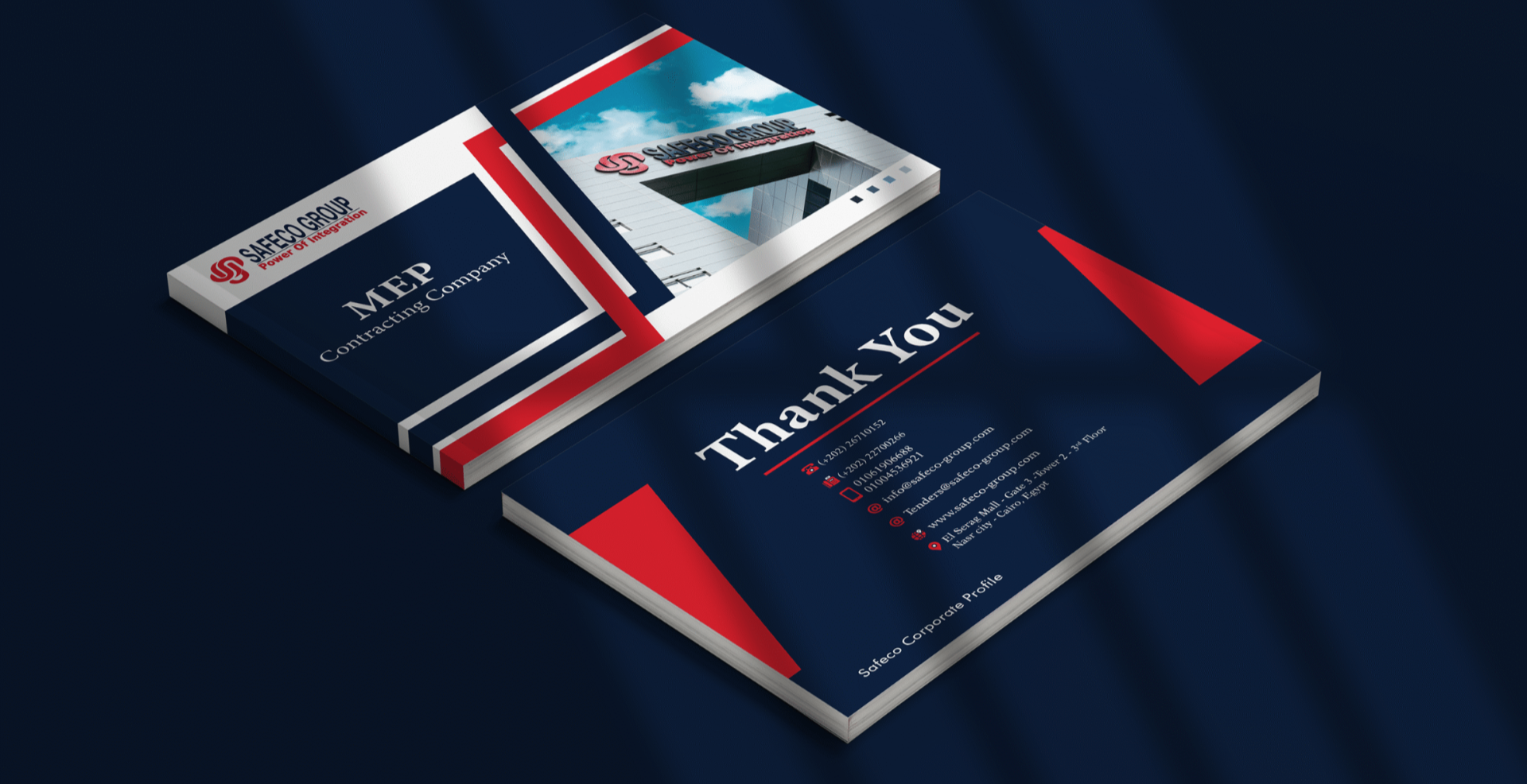
This is the kind of system a brand identity project should deliver for a technology company: positioning, naming of service lines, colour and typography, and guidelines that the sales team can apply without asking a designer every time. RX builds these for B2B companies through its brand identity and positioning work, and the same thinking runs through projects such as SafeCo Group, where the job was to take the brand beyond the logo into collateral, presentations and signage.
Use vendor logos within each vendor’s rules
Partner logo usage guidelines are not a formality. Many large vendors publish them, on their brand sites or through their partner portals, and the ones below share a common logic. A few examples from guidelines that are publicly available (checked in October 2026):
- Only use what you have earned. Google’s partnerships guidance says of the Google Ads Partner badge that “only those who qualify for partner status may use the badge,” and that Google does not allow its logo to be used by individuals or companies who do business with it on a limited basis, because that “may imply an endorsement from or affiliation with Google” (Google Brand Resource Center). HubSpot’s partner branding guidelines say simply: don’t use tier badges you haven’t earned (HubSpot).
- Use the partner badge, not the corporate logo. Microsoft’s general trademark guidelines say its logos and icons can never be used without an express licence, and that its names should be used less prominently than your own brand or company name unless you have a strategic partnership agreement (Microsoft Trademark and Brand Guidelines). Its partner programme provides separate Solutions Partner badges, generated in the Logo Builder tool in Partner Center.
- Do not alter the badge. Microsoft’s partner badge usage guide (March 2024) says modifications to badges and wording outside Logo Builder are strictly prohibited, sets minimum sizes and clear space, and says use must cease when qualifications, including Solutions Partner status and specialisations, are no longer maintained (Microsoft badge usage guide).
- Keep vendor marks out of your own name and logo. Microsoft’s guidelines say not to use its brand assets in the name of your business, product or service; HubSpot says not to incorporate its logo into your company branding.
- Make it clear the material comes from you. Cisco Meraki’s partner brand guidelines (v1.0, September 2020) state that for co-branded assets “it must be clear they originated from your company” and that the consumer “should not be led into thinking they are buying directly from Meraki” (Cisco Meraki partner brand guidelines).
Read together, these rules support exactly the brand structure described above: your company leads, vendor badges confirm specific, current qualifications, and nothing suggests the vendor is the one delivering the service. Rules differ by vendor and change over time, so always work from the current version in each partner portal, and check with the partner manager before any co-branded campaign.
Keep a partner logo register
A simple shared sheet prevents most problems:
- Vendor, programme and tier or designation actually held
- Expiry or renewal date of the status
- Approved badge files and where they came from
- Link to the current usage guidelines
- Where the badge is used (website, profile, proposal template, booth, vehicles)
- Whether co-branded material needs vendor approval
When a status lapses or changes tier, the register tells you every place the badge needs to be updated or removed. It also helps when a tender asks for proof of authorisation. Some programmes, such as Microsoft’s, let partners that hold a Solutions Partner designation or specialisation create a certified letter in Logo Builder; Microsoft states the letter is valid for 30 days from creation, so generate a fresh one for each submission (Microsoft Learn). In our view that letter belongs in the prequalification file rather than as a logo on the cover.
Carry the positioning into every place buyers check
A new identity changes little if the website still opens with a vendor slider. Rework the main touchpoints in this order:
- Website. Lead with the positioning line and service architecture. Give each service its own page explaining scope, process, deliverables and support terms. Put the partner strip lower on the page and add a page that explains how you choose technology for a project. This service-first structure is the brief to give whoever builds your corporate website.
- Company profile. Open with who you serve and what you are responsible for, then services, then projects, then team and certifications, then partners. Our article on the company profile for prequalification covers what procurement teams look for.
- Proposals and quotations. Separate design, installation, commissioning, training and support as named line items with descriptions. When services are invisible in the quotation, in our experience they are often the first thing a buyer asks you to remove. See what B2B clients expect in a proposal and a quotation.
- LinkedIn and content. Show your engineers, project walkthroughs, lessons from integrations and support stories (anonymised where needed). Re-sharing vendor launch posts does little to build your own brand.
- Exhibitions and vehicles. Booths, uniforms and service vans are where your brand meets technical buyers in person. Your identity should lead; partner badges follow the same strip rules.
Managed services marketing needs its own story
If you sell, or plan to sell, monthly managed services, the brand has to carry a different promise. A project is bought once; a managed service is bought on trust that you will still be responsive in the second year. Buyers will usually want to know what is monitored, how incidents are reported, who they call and how the service is reviewed.
Give managed services a clear name, a simple description of tiers in plain language, and a sample of the monthly report the client will receive. Show the support desk and the people behind it. None of this depends on any vendor, which is why it is often the strongest proof that you are a solutions company and not a distributor.
This week, run the cover-the-logos test from earlier on three documents: your homepage, your company profile and your most recent proposal. Wherever a page goes blank, that is where the service architecture needs to be written first.
Frequently asked questions
Should an IT integrator remove vendor logos from its website?
No. Keep the badges you have genuinely earned, but move them into one consistent partner area below your positioning and services, so they support your story instead of replacing it.
What happens to partner badges when our partner status changes?
Update or remove them. Microsoft's badge usage guide, for example, says use must cease when qualifications are no longer maintained. A partner logo register shows every place a badge appears so you can act quickly.
How do we prove a vendor authorisation in a tender without filling the cover with logos?
Include the vendor's official confirmation in the prequalification or technical file. Microsoft, for example, lets partners with a Solutions Partner designation or specialisation create a certified letter in Logo Builder; it is valid for 30 days, so create a new one for each submission. Check what each vendor's programme offers.
What should a technology company profile lead with?
Who you serve and what you are responsible for, followed by your services, projects, team and certifications. Partners belong near the end as supporting proof.
- Google Brand Resource Center, Partnerships guidance.
- Microsoft, Microsoft Trademark and Brand Guidelines.
- Microsoft, Badge usage guide (Microsoft AI Cloud Partner Program) (2024-03).
- Microsoft Partner Network, Partner marketing and branding (badges, Logo Builder, certified letters).
- Microsoft Learn, Create a partner logo, award logo, or certified letter (2026-01-28).
- HubSpot, Branding guidelines for partners.
- Cisco, Partner brand guidelines (Cisco Meraki), v1.0 (2020-09).