- A real retainer covers the Company Page, named executive profiles and the planning, approval and reporting system behind them.
- The best material for technical B2B posts already exists inside the company: projects, approvals, partner news, events and hiring.
- Keep full Page admin rights inside the company; give the provider only the role it needs, and approve every post.
- Judge the monthly report on business signals and next-month decisions, not engagement alone.
Most offers for monthly LinkedIn management arrive as a tier table: a number of posts, a number of designs, a monthly fee. That tells you the volume. It does not tell you what will be posted, who will gather the material, how a post about a client project gets cleared, or how anyone will know whether the work is helping sales.
For a technical B2B company in the Gulf (a contractor, a distributor, an engineering or safety firm) those questions decide whether the retainer is worth paying. This guide sets out what a proper monthly service should cover, what a realistic month looks like and what you should keep in-house. Use it to brief a provider, or to check the one you already have.
What you are actually buying: three layers, not a post count
A serious LinkedIn retainer for a B2B company has three layers. If an offer covers only the first, you are buying design work, not management.
- The Company Page. Planned posts, page upkeep (About text, featured content, the Products section and the Page’s call to action), replies to comments, and re-sharing the posts where employees, partners or customers mention the company. LinkedIn’s own guidance suggests re-sharing mentions from employees, executives and key customers, which admins can find under the Page’s Activity tab (LinkedIn Pages best practices).
- Executive and key-staff profiles. In our experience, technical B2B buyers often trust the general manager, the technical director or the sales head more than the logo. A good retainer drafts posts for one to three named people, in their voice, and links them to what the Page is saying that month. Our guide to executive LinkedIn management covers this layer in detail, and the LinkedIn profiles RX has built show what a finished executive profile looks like.
- The system behind it. A monthly plan, a way of collecting material from site teams and sales, an approval route, a bilingual approach and a report. This is the part tier tables leave out, and the part that makes the other two work.
If your Page itself is not in order yet (wrong industry, outdated logo, no admin control), fix that before you buy monthly content. Our Company Page setup checklist covers it.
The content mix a technical B2B retainer should deliver
Technical buyers are not looking for motivational quotes or trend commentary. They want proof that you deliver, that you are approved and that you represent serious brands. Most of the useful material already exists inside the company; the provider’s job is to find it, shape it and get it cleared.
| Content type | What it shows the buyer | Where the material comes from | Clearance to check |
|---|---|---|---|
| Project and site updates | You deliver, at scale, safely | Site engineers’ photos, handover notes, project managers | Client and main-contractor consent to be named; no restricted sites or drawings |
| Certificates, approvals and registrations | You are qualified to be shortlisted | Quality or tendering team | Exact wording and validity dates of each certificate or approval |
| Partner and product news | You represent recognised brands; stock is available | Product managers, principals’ marketing kits | The partner’s brand guidelines and approval of any co-branded post |
| Exhibition and event moments | You are active in the market and easy to meet | Event plan, booth photos, seminar recordings | Permission from speakers and visitors who appear in photos |
| Technical explainers | Your team understands the problem, not just the product | Engineers and application specialists | Technical accuracy; no claims beyond the product’s documentation |
| Hiring and team | The company is growing and stable | HR, department heads | Employee consent; consistency with the job posts |
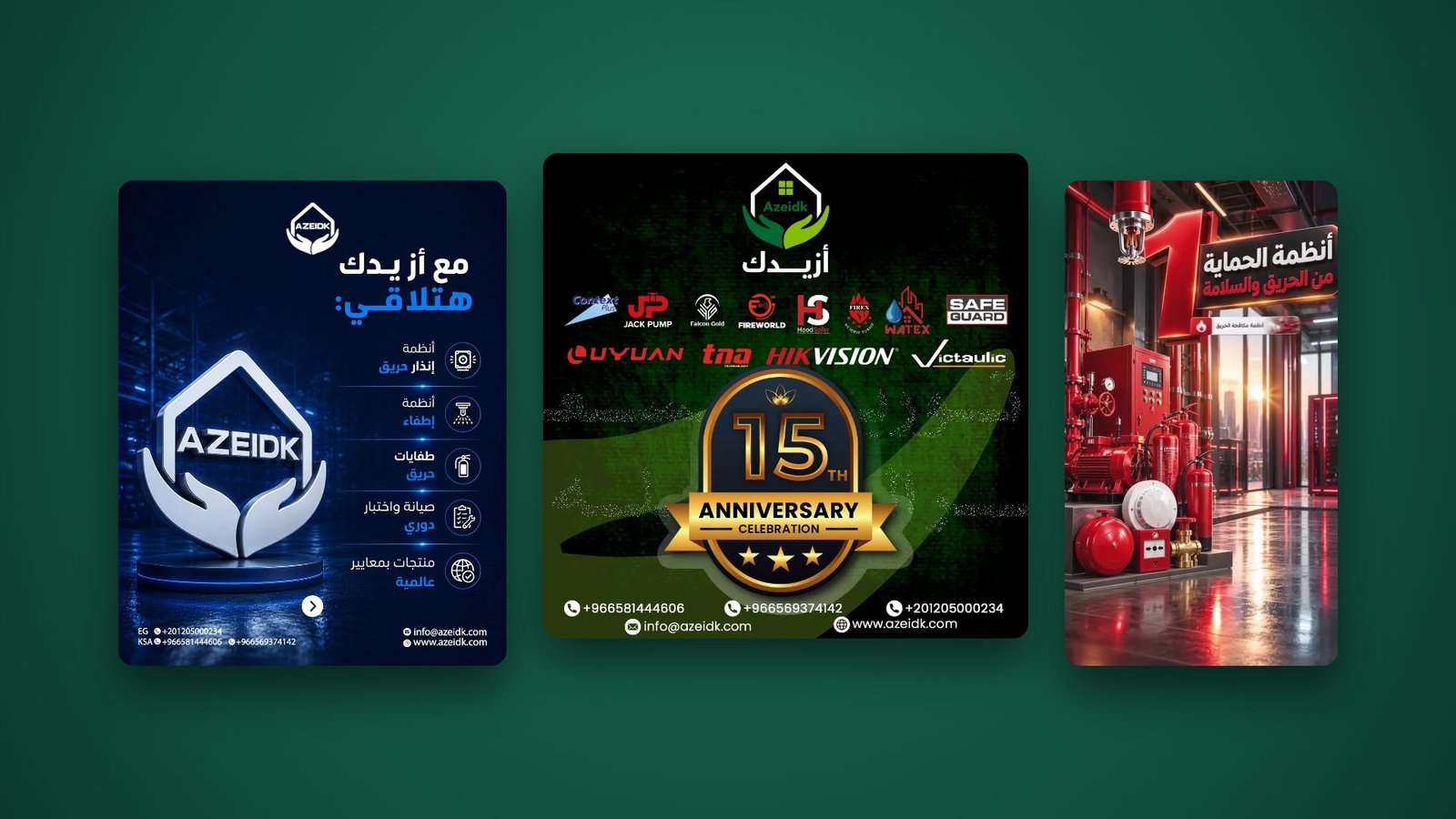
Two examples from RX’s own published work show how this looks in practice: a partner-product shipment announcement for a fire-alarm brand arriving in Saudi Arabia, and, for Azeidk at Intersec Saudi Arabia 2025, one announcement per partner brand on a single exhibition visual system carrying the stand details, a short motion teaser, and on-site coverage cut for the website, LinkedIn and screens. Neither is clever for its own sake. Each one turns a real business event into a post a buyer can act on.
A realistic monthly cadence
LinkedIn does not publish an ideal posting frequency. Its Pages guidance says that companies posting weekly see a 2x lift in engagement with their content; that is LinkedIn’s own figure, not an independent benchmark or a target for every company (LinkedIn). In our view, for most mid-sized technical firms a sustainable baseline is a few Page posts a week, plus a smaller number of executive posts, with room for unplanned news.
A hypothetical month for a Saudi MEP contractor might look like this:
| Week | Company Page | Executive profiles |
|---|---|---|
| 1 | Project milestone with site photos; renewed approval certificate | Technical director: what the team learned on that project |
| 2 | Partner product post (document carousel from the datasheet); hiring post | General manager: re-share and comment on the partner news |
| 3 | Technical explainer; re-share of a client’s post mentioning the company | Sales head: invitation to the upcoming exhibition |
| 4 | Exhibition booth reveal and meeting invitation; month’s team moment | General manager: short reflection on the month’s projects |
Before drafting the executive column, agree topics with each leader; our note on what a Gulf CEO should and should not post is a useful starting brief.
Within that rhythm, use the Page tools LinkedIn provides. Admins can schedule posts for a set date and time, tag partner companies, add hashtags (LinkedIn suggests choosing three to five that matter to your organisation), upload PDFs and presentations as documents, and notify employees about an important Page post up to once a week (LinkedIn Pages best practices; LinkedIn Pages). A retainer should state which of these it uses and when, especially employee notifications, which lose their value if used for every post.
Keep a buffer. Technical companies produce news on their own schedule: a shipment arrives, an approval is issued, a contract is signed. A good plan leaves one or two slots a month open for these instead of filling every day in advance.
Arabic, English or both
Gulf B2B audiences on LinkedIn are mixed: Arabic-speaking decision-makers, expatriate engineers and consultants, international principals. A monthly service needs a clear rule rather than translating everything by default.
- Decide per content type. Partner and product news often goes in English for principals and consultants; government-facing, national and community content often belongs in Arabic; hiring may need both.
- Separate posts or one bilingual post. Long bilingual posts are hard to read on a phone. Where both audiences matter, two posts are often cleaner than one stacked post.
- Use language targeting where it fits. LinkedIn lets Pages target organic posts by language, location, function, seniority, industry and company size, which suits companies with audiences across several countries (LinkedIn). Targeting narrows who sees a post, so use it when one version really is meant for one audience.
- Write Arabic, do not translate it. Technical terms, titles and product names should follow how your buyers actually say them, and the Arabic should be reviewed by someone who sells in that market.
Executive profiles need the same decision: agree each leader’s language, or language split, before the first draft.
Access, approvals and who stays in control
Monthly management only works if the provider can post, but the company must stay in control of its Page. LinkedIn lets a Page have several admins with different levels of access, so full control and day-to-day posting do not have to sit with the same people. Decide who holds which role before the provider asks for access. The table below uses role names from a 2022 LinkedIn guide, so treat it as a starting point and check it against your own admin settings:
| Page role | What LinkedIn’s May 2022 guide says it can do | Who should hold it |
|---|---|---|
| Super admin | Full admin permissions, including managing other admins, editing Page information and deactivating the Page | At least two named people inside the company; not the provider alone |
| Content admin | Creating and managing Page content, including updates, events and jobs | The provider’s named account manager, plus one internal marketer if your team also posts |
| Paid media admins (a separate tab in the Page’s admin settings) | Using paid media to extend the Page’s reach | Only the people running ads, and only if ads are in the scope |
Check before you rely on this table. The role descriptions come from LinkedIn’s guide to granting Page admin access, published in May 2022 for nonprofit Pages. It was the most recent LinkedIn source we could open when this article was updated (31 October 2026); LinkedIn’s current Help Center page on admin roles could not be checked. LinkedIn has added and renamed Page roles before and may have done so since, so confirm the current role list and permissions in your Page’s admin settings before you grant anything. The principle does not change: full control stays with named people inside the company, and the provider gets only the access it needs to post and report.
A sensible setup looks like this:
- At least two people inside the company hold full admin rights, so the Page never depends on one employee or one supplier.
- The provider works with the role it needs to post and report, granted through LinkedIn’s admin tools to named individuals, not through shared logins.
- For executive profiles, the member stays the owner of the account. Content is drafted for them, approved by them, and either posted by them or posted on their behalf under a clearly agreed arrangement that keeps their login secure. Check LinkedIn’s current User Agreement before agreeing how that works.
- Every post is approved before it goes out. A short written route helps: draft by the provider, fact check by the department that supplied the material, final approval by one named person in marketing or management.
Set a turnaround for approvals and keep to it. In our experience the commonest reason a LinkedIn plan slips is not the agency or the algorithm but a project post waiting a fortnight for a signature. At RX, clients approve content before anything is published, and the monthly plan is built so the approval load is predictable.
What a monthly report should tell you
LinkedIn Page analytics show trends in Page visits, audience data, post performance and how your Page compares with competitors (LinkedIn Pages). Those numbers belong in the report, but on their own they answer the wrong question. A useful monthly report has three parts:
- Delivery. What was planned, what was published, what was delayed and why.
- Platform performance. Followers gained, impressions, engagement and clicks per post, the best and weakest posts by content type, and the competitor comparison. Look at trends over three months rather than a single month.
- Business signals. Messages and connection requests from relevant companies, inquiries that mention LinkedIn, applicants to jobs that were posted, partner or principal reactions, meetings booked from an exhibition invitation. These need input from sales and HR, so the report should ask for it.
The report should end with two or three decisions for next month: more of one content type, a different language split, a new executive voice. A report that ends with “engagement increased” is a summary, not management.
What to keep in-house, and what to ask before you sign
Some things a provider cannot do for you, however good it is:
- Ownership of the Page and the executive accounts. Admin rights, recovery email addresses and approval authority stay with the company and the individuals.
- The flow of raw material. Someone inside must send site photos, certificates and project news. Name a coordinator and agree a weekly or fortnightly handover.
- Technical and commercial sign-off. Claims about products, approvals and clients must be checked by the people responsible for them.
- Real conversations. A provider can manage comments on the Page and flag messages, but replies to buyer inquiries and negotiations belong with your sales team.
Before signing a monthly LinkedIn retainer, ask these questions:
- Does the service cover the Company Page only, or named executive profiles too? Which ones?
- What is the planned mix of content types each month, and who inside our company supplies each type?
- How will Arabic and English be handled, and who writes the Arabic?
- Which LinkedIn admin role will you need, and how will access to executive profiles be handled securely?
- What is the approval route and the expected turnaround on our side?
- What does the monthly report contain, and how will you capture business signals as well as platform numbers?
- Who owns the designs, templates and source files at the end of the engagement?
- Are LinkedIn ads, boosted posts or a Premium Page included, or priced separately? LinkedIn offers paid boosting from the Page and a paid Premium Company Page, so the scope should say (LinkedIn Pages).
Run those eight questions against the proposals you have received, or against last quarter’s posts if you already pay a provider, and mark which of the three layers is missing: the material, the approval route or the reporting. That gap, not the post count, is what to fix first. RX manages Company Pages and executive profiles as part of its LinkedIn and personal branding service; if you want a second reader for that check, bring the proposals or the posts to a business diagnosis session.
Frequently asked questions
How many LinkedIn posts a month should a B2B company publish?
LinkedIn does not set an ideal number; its own Pages guidance says companies that post weekly see a 2x lift in engagement. In our view, a few Company Page posts a week plus some executive posts is sustainable for most technical firms, with one or two open slots for unplanned news.
Should our agency have full admin access to our LinkedIn Page?
Usually not full admin rights. Keep at least two internal people as full admins and give the provider the level of access it needs to post and report, assigned to named individuals through LinkedIn's admin tools rather than shared logins. Check your Page's admin settings for current role names.
Should LinkedIn posts in the Gulf be in Arabic or English?
Decide by content type and audience. Partner and product news often suits English, national and government-facing content often suits Arabic, and hiring may need both. Separate posts are usually easier to read than one long bilingual post.
Does LinkedIn management include executive profiles?
It should be stated in the scope. In technical B2B, posts from the general manager or technical director often carry more trust than Page posts, so many retainers cover one to three named executives, with each person approving content in their own voice.
What should we keep in-house when we outsource LinkedIn?
Account ownership and admin rights, the supply of raw material from projects and departments, technical and commercial sign-off, and replies to real buyer inquiries.
- LinkedIn Marketing Solutions, LinkedIn Pages.
- LinkedIn Marketing Solutions, LinkedIn Pages best practices.
- LinkedIn, How to grant admin access to your nonprofit's LinkedIn Page (2022-05-06).