- Motion graphics animates graphic design: type, shapes, icons, charts and logos, usually with voice-over or music.
- It suits ideas that are hard to film: services, processes, data, technical products and announcements.
- A good project runs from script to storyboard, style frames, animatic, animation, sound and delivery.
- Plan Arabic versions, captions, aspect ratios and safe flashing from the start.
Motion graphics is graphic design that moves. Instead of filming people or places, a designer animates text, shapes, icons, illustrations, charts, photos and brand elements, and sets them to a voice-over, music and sound effects. The result is usually short: a 30-second explainer, a 10-second social post, an animated logo, or a loop for a screen at an exhibition.
For companies in Saudi Arabia and the Gulf, motion graphics is often the most practical way to explain something that is hard to film: a maintenance contract, a fire-suppression system inside a kitchen hood, a logistics route, a set of figures for an annual report. This guide explains what motion graphics is, how it differs from animation and filmed video, how a project runs, and what to ask for at delivery. Motion graphics is part of our Video, Motion and Photography service.
Motion graphics, animation and filmed video
| Motion graphics | Character animation | Filmed video | |
|---|---|---|---|
| What moves | Text, shapes, icons, charts, logos, photos | Characters and scenes drawn or modelled | Real people, products and places |
| Best for | Explaining services, processes, data and features | Stories and scenarios with people | Proof, emotion, real sites and teams |
| Main inputs | Script, brand identity, existing visuals | Script, character design, illustration | Locations, crew, people, permissions |
| Easy to update | Usually yes: text and figures can be changed | Partly | Often needs a new shoot |
Many good company videos combine the three: filmed footage of a site or product, with motion graphics for titles, labels, data and the logo. If you are planning a filmed corporate piece, our guide to briefing a corporate video covers the shoot side.
Where companies use motion graphics
- Explainer videos for a service or system: what it does, how it works and why it matters, in 30 to 90 seconds.
- Product features: animated labels and close-ups that point out specifications on product photos or 3D renders.
- Data and reports: animated charts for results, annual figures or market information.
- Social media: short announcements, tips, offers and educational series designed for vertical screens.
- Logo animation: a short intro and outro for every video the company publishes.
- Events and exhibitions: loops for booth screens, teasers and countdowns before the event.
- Presentations and onboarding: short pieces that make a sales presentation or a training session easier to follow.
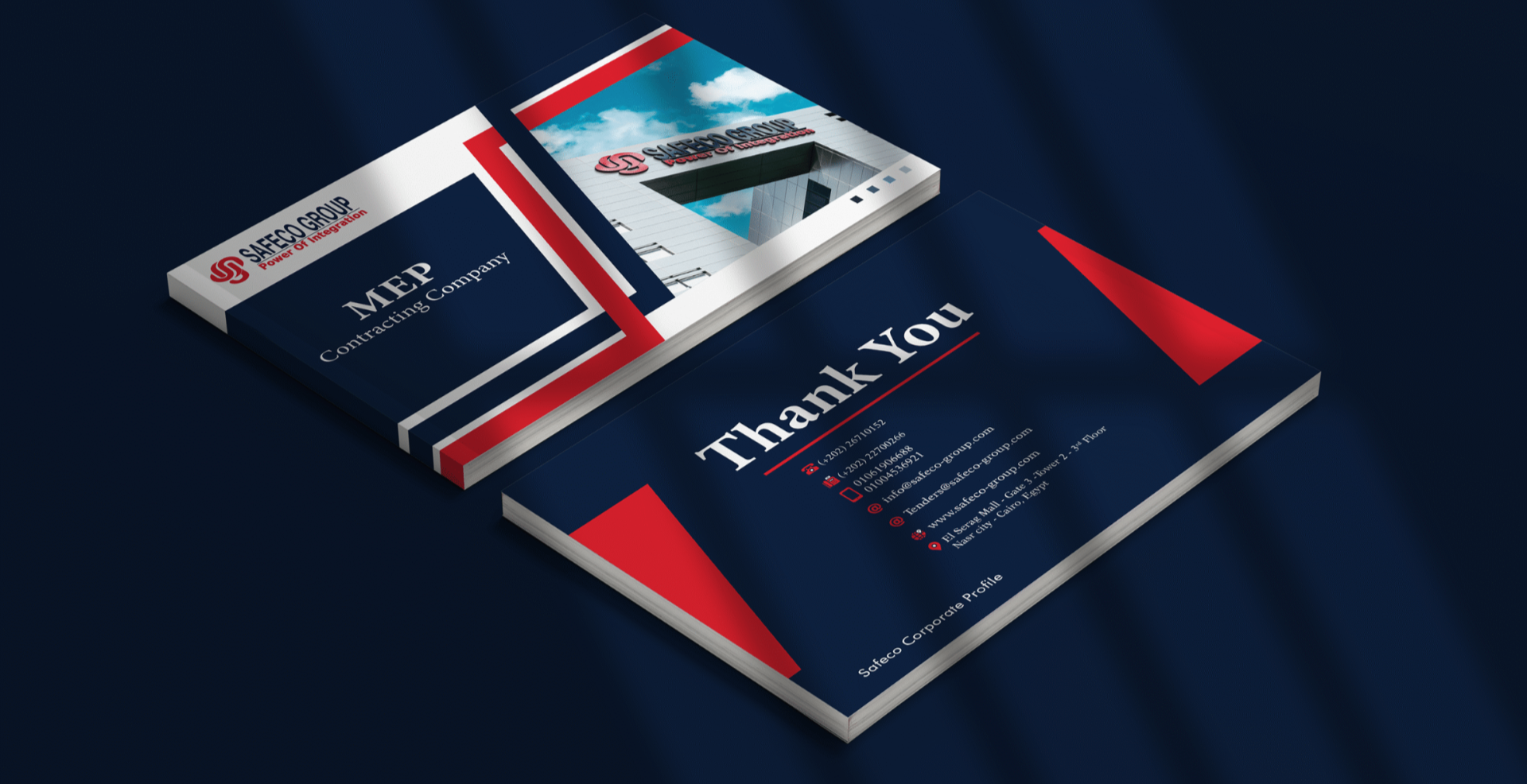
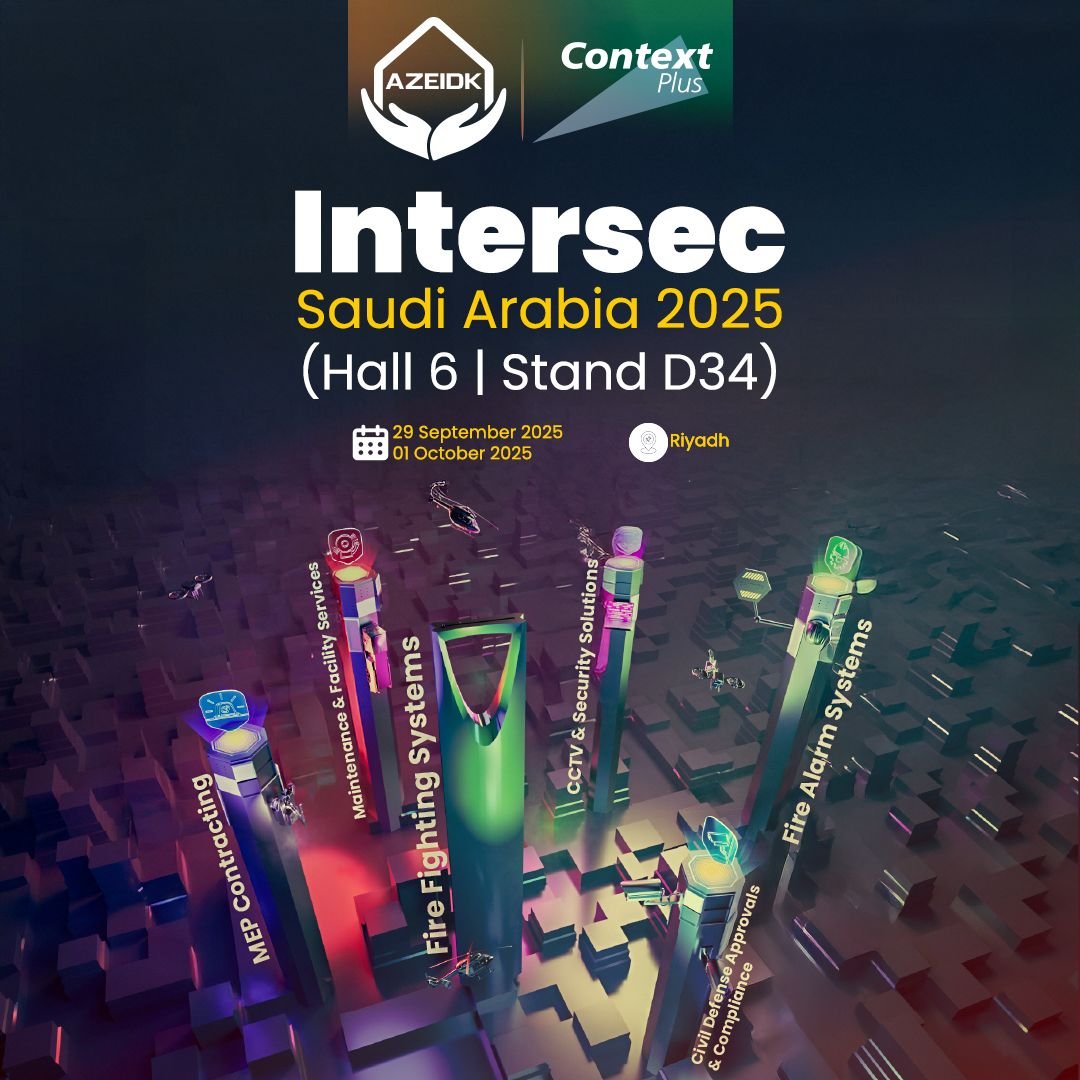
For example, in our SafeCo Group work we produced motion intros for the company’s channels and presentations, and for Azeidk at Intersec Saudi Arabia a short motion teaser announced the participation.
How a motion graphics project runs
- Brief: the audience, the one message, where the video will be shown, length, languages and deadline.
- Script and voice-over text: written and approved first, because every later step depends on it. A 60-second video carries far less text than most first drafts.
- Storyboard: a plan, frame by frame, showing what appears on screen with each line.
- Style frames: a few finished still frames that fix the look: colours, typefaces, illustration style and layout.
- Animatic: a rough timed version with the voice-over, to check pace before full animation.
- Animation: the full motion, transitions and details.
- Sound: final voice-over, music and sound effects, mixed together.
- Revisions and delivery: agreed review rounds, then export in every format needed.
Approving the script and style frames properly saves most of the time and cost later. Changing the message after animation has started means redoing work.
Arabic and bilingual motion graphics
Arabic is not a translation layer added at the end. It changes the design:
- Arabic reads right to left, so text, arrows, timelines and progress elements should move in that direction in the Arabic version.
- Arabic typefaces need more height and space; a layout drawn for English often looks crowded in Arabic.
- Decide early whether you need two separate versions or one version with subtitles. For social media and screens, separate versions usually work better.
- Choose the voice deliberately: a Saudi voice, a neutral Gulf voice or Modern Standard Arabic, depending on the audience.
- Keep figures, product names and model numbers identical across both versions.
Formats, captions and safe motion
Plan the aspect ratios before animation starts, because a horizontal layout cannot simply be cropped into a vertical one. YouTube recommends 16:9 as the standard ratio for uploads and also supports 9:16 vertical video, advising against adding padding or black bars into the file (YouTube Help). Social platforms favour vertical formats for short videos, while websites, presentations and screens are usually horizontal.
Three accessibility rules from the Web Content Accessibility Guidelines are worth building in:
- Captions: prerecorded video with sound should have captions, which include dialogue, who is speaking and meaningful sounds (W3C, WCAG 1.2.2). Many people watch social video without sound, so captions help everyone.
- Flashing: nothing should flash more than three times in any one second, unless it stays below the defined thresholds (W3C, WCAG 2.3.1).
- Moving content on websites: motion that starts automatically, lasts more than five seconds and plays alongside other content needs a way to pause, stop or hide it (W3C, WCAG 2.2.2).
What to ask for at delivery
- Final videos in every agreed ratio and language, named clearly.
- Caption files for each language.
- Versions without text or voice-over, if you plan to reuse the visuals.
- Confirmation of the licences for music, voice-over, fonts and stock material, and where they may be used.
- The editable project files, if they were agreed in the scope.
Agree in writing that the final videos and the rights to use them are handed over to your company.
What to do next
- Pick the one service, product or idea that your sales team finds hardest to explain.
- Write the message in two sentences, and list where the video will be shown.
- Collect the brand files, photos and figures the designer will need.
- Decide which languages and formats you need before you ask for a quote.
If you are not sure whether motion graphics or a filmed video fits your goal, a paid Business Diagnosis session helps you decide. Production is covered by our Video, Motion and Photography service, and you can see examples on our video work page.
Frequently asked questions
What is motion graphics?
Motion graphics is animated graphic design: text, shapes, icons, illustrations, charts, photos and logos set in motion, usually with voice-over, music and sound effects. It is used for explainers, social posts, logo animations and screens.
What is the difference between motion graphics and animation?
Motion graphics animates design elements such as type, icons and charts to explain information. Character animation tells stories through drawn or modelled characters and scenes. Many projects use a little of both.
How long should a motion graphics video for a company be?
It depends on where it is shown. Social posts are often 10 to 30 seconds and explainers 30 to 90 seconds. Write the script first and let the message decide the length.
Do we need separate Arabic and English motion graphics videos?
For social media and screens, separate versions usually work better, because Arabic changes the direction of movement, the layout and the voice-over. Subtitles alone suit longer videos watched with sound.
- YouTube Help, Recommended upload encoding settings.
- W3C Web Accessibility Initiative, Understanding Success Criterion 1.2.2: Captions (Prerecorded).
- W3C Web Accessibility Initiative, Understanding Success Criterion 2.3.1: Three Flashes or Below Threshold.
- W3C Web Accessibility Initiative, Understanding Success Criterion 2.2.2: Pause, Stop, Hide.