- Build one kit per principal brand, around the questions buyers ask, and link to the catalogue and price list instead of copying them.
- Compare the brand's own models by application; leave competitors out of every external file.
- Settle translation, editing, co-branding and approval rights under the agency agreement before designing anything.
- Give the kit a mobile version for WhatsApp, an owner for the approvals folder and a quarterly review with sales.
A distributor that adds a new international brand usually receives a shared drive from the manufacturer: global brochures, a long corporate deck, data sheets in English, perhaps a training video. Little of it was made for a rep in Riyadh, Dubai or Cairo answering a consultant on WhatsApp. A sales kit closes that gap. It turns the principal’s material into a small, fixed set of tools that a new rep can learn quickly and use the same way every time.
This guide covers what belongs in a kit for each principal brand, how to build each part, what to check in the agency agreement before you change anything, and how to keep the kit current. The examples use CCTV and access control, complex lines sold to technical buyers, but the structure fits any imported range.
One kit per principal, built around the sales conversation
The most common mistake is building one large “company sales kit” that mixes every brand the distributor carries. Reps search forty files for the three they need, and different brand guidelines clash in one deck. A better rule is one kit per principal brand, with a shared cover page and a shared set of company credentials.
A kit is also not the catalogue or the price list. The catalogue describes the range; the price list changes on its own schedule; the kit is what a rep uses to move a specific conversation forward. We covered how to structure the catalogue and keep prices separate in our guide to product catalogues for distributors. The kit links to those documents rather than copying them, so there is only ever one current version of a price or a specification.
Build the kit around the questions buyers actually ask, in the order they ask them. For a CCTV or access-control line, that order is usually:
- What is this brand, and why should I trust a newly appointed distributor?
- Which product fits my site or application?
- Is it approved, certified and supported locally?
- Where has it been installed, and does it work?
- What happens if something fails, and who services it?
If a file answers none of these, it belongs in a training folder, not the kit.
The components and what each one must do
| Component | Buyer question it answers | Typical format | Update trigger |
|---|---|---|---|
| Product cards | What is it and what does it do? | One-page PDF per model or family, plus a square image version | New model, discontinued model, changed specification |
| Application comparison sheet | Which one fits my project? | Two-page PDF or table | Range change |
| Brand presentation | Why this brand and this distributor? | Short slide deck with optional technical appendix | Twice a year, or after a major launch |
| Approvals and certificates folder | Is it approved and compliant here? | Indexed folder of current certificates and letters | Expiry or renewal of any document |
| Installation references | Has it worked somewhere like my site? | Photo sheets with permission-cleared captions | Each completed, approved reference |
| WhatsApp-ready assets | Can you send me something now? | Lightweight PDFs, images, short videos, saved replies | Whenever the source document changes |
| Objection answers | What about price, lead time, support, alternatives? | One internal document, reviewed by the sales director | Every quarter, and after lost deals |
Product cards
A product card is one page per model or product family: a clear product image, a one-line description of what it is for, four to six specifications that buyers actually compare (for a camera, typically resolution, lens, night range, protection rating and power; for an access-control reader, credential types, interfaces and mounting), the main certifications, and the product code used in your price list. Everything else stays in the full data sheet, which the card links to.
Hypothetical example: a product card for an IP camera. The model, code and values below are invented to show the layout, not taken from any manufacturer’s data sheet.
| Card element | Sample content |
|---|---|
| Product and code | [Brand] 4 MP outdoor bullet camera, code [XX-4MP-B28], matching the price list |
| One-line use | Perimeter and car-park coverage where the site has little or no night lighting |
| Resolution | 4 MP |
| Lens | 2.8 mm fixed |
| Night range | Up to 30 m infrared |
| Protection rating | IP67 |
| Power | PoE or 12 V DC |
| Main certifications | Only those in the approvals folder for this model, with the folder reference |
| Full data sheet | Link to the current version in the master folder, with its version date |
| WhatsApp version | Square image with the product image, the one-line use, the five specifications and the product code visible without opening a file |
Keep the same five specification rows, in the same order, on every camera card in the range. A buyer comparing two cards side by side on a phone should be able to see the difference at a glance.
Application comparison sheet
Imported security ranges often have dozens of models that look the same to a buyer. An application sheet groups them by use: perimeter, car park, retail floor, warehouse, server room, residential entrance. For each application it shows the recommended model, a step-up option and the reason. This sheet compares the brand’s own models with each other. It does not name or criticise other manufacturers: such comparisons date quickly and often conflict with the principal’s rules. If buyers ask how you compare with another brand, that belongs in the objection answers, handled verbally and factually. For camera ranges, our guide to solution sheets for CCTV products shows how to take the same grouping further.
Brand presentation
Keep the main deck short enough to present in a first meeting, and move the technical depth into an appendix the rep can open if the engineer in the room asks. The core deck covers who the principal is, what the distributor’s appointment means (the territory and scope as the agreement defines it), the range at a glance, local stock and support, and how to order. If your team already works from a corporate presentation template, build the brand deck inside it, with the principal’s logo and colours applied as its guidelines allow.
Approvals and certificates folder
For technical buyers this folder often matters more than the brochure. It should contain the current distributorship or agency letter, product certificates of conformity, test reports the manufacturer allows you to share, and any local approvals the products or your company hold. Index it with a one-page table: document, product it covers, issuing body, issue date, expiry date, and whether it can be shared externally.
Local rules decide what goes in. In Saudi Arabia, imported goods go through the SABER conformity system: the US International Trade Administration’s guide describes regulated products receiving a certificate of conformity from a SASO-approved certification body before a shipment certificate is issued. That guide is a secondary summary, so confirm current requirements on SABER or with SASO. For CCTV, Saudipedia summarises the Law of the Use of Security Surveillance Cameras, issued by Royal Decree in October 2022, as prohibiting the import, sale, installation, operation or maintenance of security cameras without prior Ministry of Interior approval. Check the current law and its executive regulations before relying on this, and make sure reps can explain which approvals the company holds. In the UAE and Egypt, confirm with regulators and your principal which approvals apply to each category.
Installation references
Buyers of security systems want to see installed equipment, not rendered product shots. Collect photos from your own and your installers’ projects: the camera on the wall, the reader at the door, the control room screen. Each reference sheet needs a short caption with the application and the products used. Before anything goes into the kit, get written permission from the site owner and check that the photo does not reveal camera positions, blind spots or anything else a site owner would consider sensitive.
Objection answers
This is the internal part of the kit, and it is where new reps gain the most confidence. List the eight to twelve objections your experienced reps hear most (price against an incumbent brand, lead time, local warranty, spare parts, integration with an existing system, a consultant’s preferred brand on the specification) and write a short, factual answer to each, with the document from the kit that supports it. Have the sales director approve the answers, and update the list after reviewing lost deals.
Check the agency agreement before you edit anything
Almost everything in a kit starts as the principal’s material, so the agency or distribution agreement and the brand’s guidelines set the limits. Before designing, read the relevant clauses with whoever manages the principal relationship, and confirm in writing any point the agreement does not cover. The questions to settle:
- Translation: may you translate product material into Arabic yourself, or must the principal supply or approve translations? Who is responsible if a translated specification is wrong?
- Editing and re-layout: may you rebuild data sheets and brochures in your own layout, or only distribute the originals? Are there elements, such as legal notes or certification marks, that must appear unchanged?
- Co-branding: how should your logo appear next to the principal’s, and which descriptor (authorised distributor, exclusive agent, partner) are you allowed to use? Our guide to working within a manufacturer’s brand guidelines sets out the rule card and approval workflow.
- Imagery and video: can you use the principal’s photography and footage in local social posts and WhatsApp messages, and can you shoot your own product visuals?
- Approval process: which items need the principal’s sign-off before release, and how long does that take?
- After termination: what must you withdraw or stop using if the agreement ends?
Record the answers on a single page at the front of the kit’s working folder. If the appointment itself is still being registered, our guide to launching a brand you represent in Saudi Arabia covers the order of steps before you announce it.
Making the kit work on WhatsApp
Many distributor reps in the region handle much of their day-to-day contact with installers, contractors and buyers on WhatsApp, so the kit needs a version designed to be sent from a phone, not only presented in a meeting.
- Use the catalogue feature for discovery, not for specifications. The WhatsApp Business app lets a business showcase products in a catalogue and group similar items into collections, according to WhatsApp’s own feature page. Set up collections by application, mirroring the comparison sheet, and keep each item’s description short with the product code. Check the app’s current catalogue limits first.
- Check the commerce rules before listing. Businesses that use catalogues must follow the Meta Commerce Policy, and WhatsApp’s Business Policy lists prohibited categories and says WhatsApp may limit or remove a business’s access for violations. Review the policy for each product category you carry, especially regulated or safety-related items.
- Send documents as documents. Product cards and comparison sheets work best as PDFs sent as files, so drawings and tables arrive as designed. WhatsApp raised its file limit to 2GB in May 2022, according to the WhatsApp blog, but buyers open files on mobile data, so keep each kit file as light as you reasonably can and save the heavy technical packs for email.
- Prepare a square or vertical image of each product card for chats where the buyer will not open a PDF, with the product code visible in the image.
- Use saved quick replies for the standard texts: introducing the brand, sending the approvals summary, requesting site details. The app’s quick replies are built for exactly these frequently sent messages.
- Name files for the recipient, for example “BrandName-ModelCode-ProductCard-EN.pdf”, never “final_v3.pdf”. The file name is the first thing a forwarded file shows.
- Add short videos of thirty to sixty seconds that show a feature working: the night-vision view, a reader responding, an app notification. Our Azeidk product campaigns include reels for the security and low-current range, among them a Hikvision intercom and AZ-LINK products, each showing what the product does, how it is installed and why it is the right choice in under 30 seconds, the short end of that range.
How a new rep should use the kit in the first week
The real test of a kit is whether a rep who joined on Sunday can handle a real inquiry by Thursday without guessing. A practical first week at a distributor that has just added an access-control brand might look like this:
- Day 1: read the brand presentation and the agreement summary page; learn which descriptor to use for the company’s appointment.
- Day 2: work through the application sheet with a senior rep, then match five past inquiries to the right application and model.
- Day 3: learn the approvals folder index well enough to answer “is it approved?” without opening every file.
- Day 4: rehearse the objection answers, with the senior rep playing a consultant and an installer.
- Day 5: handle live WhatsApp inquiries using the saved replies and kit files, with a senior rep reviewing before anything technical is sent.
If the rep keeps asking for files the kit lacks, that is feedback on the kit, not only on the rep.
Keeping the kit current
Kits decay quickly: models are discontinued, certificates expire, and reps keep sending old local copies. The rules:
- One shared master folder per principal, with an owner from marketing and an owner from sales. Reps link to it rather than keeping copies.
- Every file carries a version date in the footer and in the file name.
- A quarterly review with the sales team: which files were used, which were never opened, which questions the kit could not answer. If many were never opened, our diagnosis of why sales teams ignore marketing materials explains what usually needs to change.
- An immediate update when the principal changes a product, a certificate or its guidelines, before the next customer conversation.
Before releasing a kit, run through this check:
- Every specification on a product card matches the current data sheet.
- No competitor is named or criticised in any external file.
- Every certificate in the folder is valid and cleared for external sharing.
- Every installation photo has written permission and reveals nothing sensitive.
- Arabic and English versions say the same thing, and the principal has approved what the agreement requires it to approve.
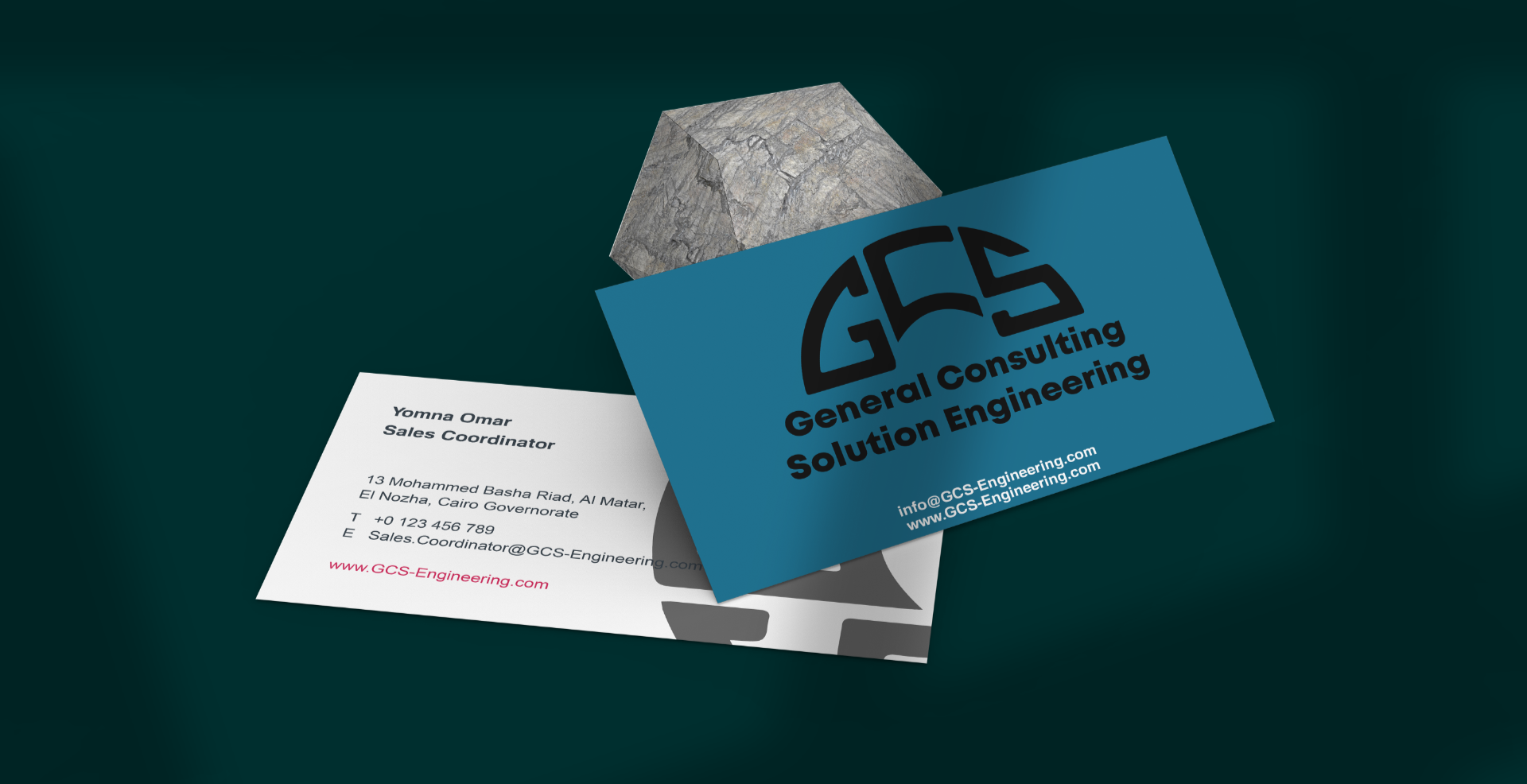
A sales kit is one of the deliverables in RX Designer’s distributor and product marketing work, built under the distributor’s brand and the partner’s guidelines and approved by the client before release; the sales messaging and team training around it sit in sales enablement. For an example of identity, launch and sales tools built for a new fire-safety brand entering the Saudi market, see the GCS case study.
Frequently asked questions
What should a sales kit for distributors include?
For each principal brand: one-page product cards, an application-based comparison sheet, a short brand presentation, an indexed approvals and certificates folder, permission-cleared installation references, WhatsApp-ready files and saved replies, and an internal list of objection answers.
Is a sales kit the same as a product catalogue?
No. The catalogue describes the whole range and the price list changes on its own schedule. The kit is the smaller set of tools a rep uses to move a specific conversation forward, and it links to the catalogue and price list rather than duplicating them.
Can a distributor translate or redesign the manufacturer's materials?
It depends on the agency or distribution agreement and the brand's guidelines. Check who may translate, whether you may re-lay out data sheets, how co-branding must look and which items need the principal's approval, and confirm anything the agreement does not cover in writing.
Should the sales kit compare our products with competitors?
Not in external files. Compare the brand's own models by application instead. Questions about other brands are better handled in the internal objection answers, verbally and factually.
How often should a distributor sales kit be updated?
Immediately when a product, certificate or brand guideline changes, and in a quarterly review with the sales team to remove unused files and fill gaps the reps report.
- WhatsApp, WhatsApp Business App Features.
- WhatsApp, WhatsApp Business Policy (2026-09-23).
- WhatsApp Blog, Reactions, 2GB File Sharing, 512 Groups (2022-05-05).
- International Trade Administration (US Department of Commerce), Saudi Arabia – Testing, Inspection and Certification (2024-10-01).
- Saudipedia, Law of the Use of Security Surveillance Cameras in Saudi Arabia (summary).