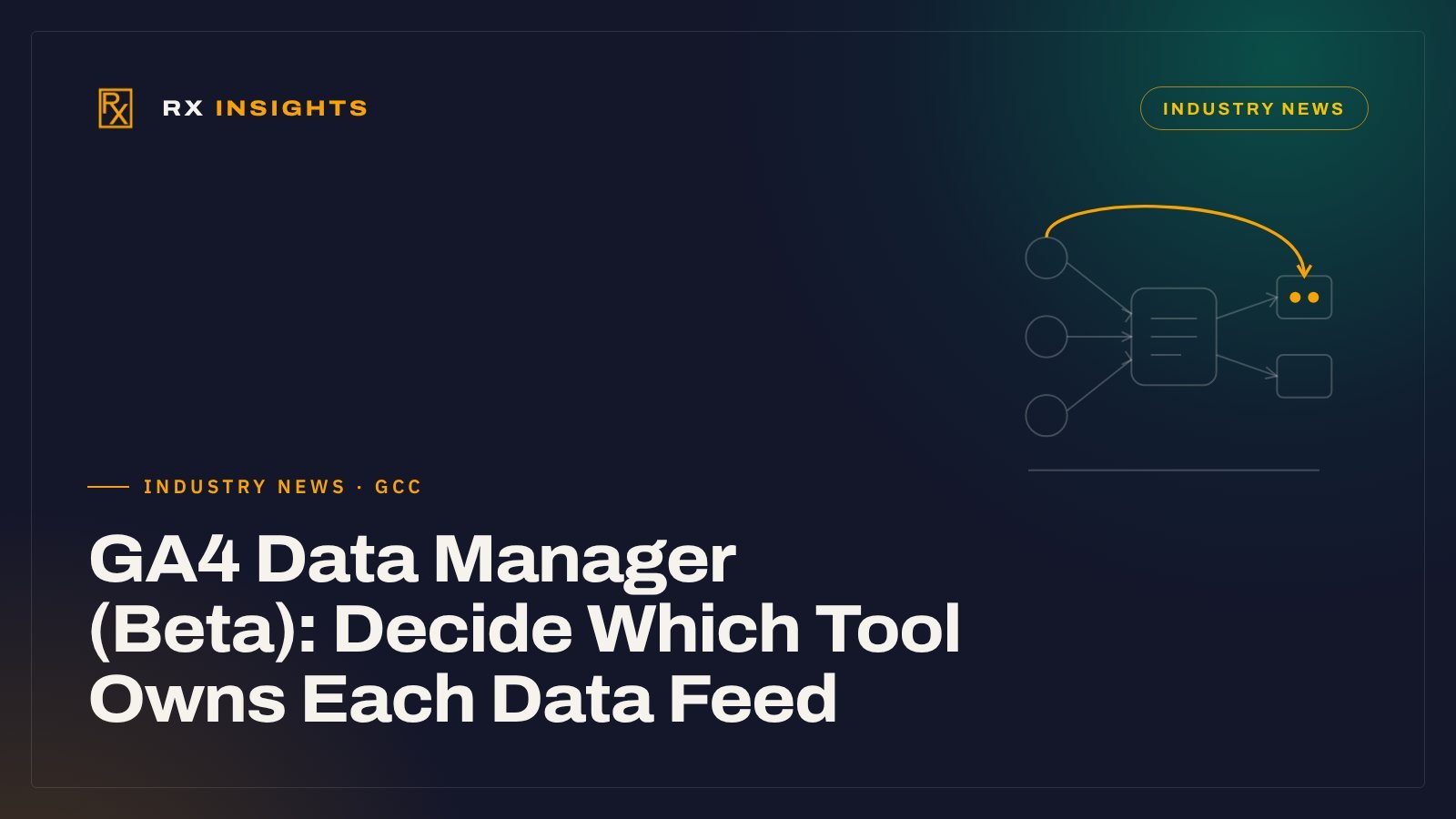
- Data Manager in Google Analytics (beta) was listed on 6 Nov 2026; it sits in Admin under My preferences.
- Data flows from GA4 to linked Google Ads and GMP accounts, not back; identical pipelines in both can log conversions twice.
- Google says keep existing Ads connections in Ads and use the GA4 hub for new ones; item and third-party campaign data are GA4-only.
- Write a pipeline register with one owner per feed before anyone connects a new source.
On 6 November 2026, Google added an entry titled “Data Manager in Google Analytics (beta)” to its official What’s new in Google Analytics log. Google describes it as a unified hub in the Admin console where you connect and control product links, data streams and first-party data, fix diagnostic alerts and watch connection health. Search Engine Roundtable reported it on 9 November; its author could not yet see the tab in his own properties, so expect a gradual rollout. Google has not published a country list, so Saudi, UAE and Egyptian properties should simply check their own Admin screen.
We covered the Google Ads side of this story in October, in our piece on Data Strength Uplift and enhanced conversions for leads, which explains how to send qualified and won leads back to Google Ads. This article deals with a different question that the new GA4 hub makes urgent: which tool should own each data feed, so that the same conversion is not counted twice and nobody loses track of what is connected where. For Saudi companies whose leads arrive by form, call and WhatsApp and close weeks later, a double-counted conversion feeds straight into bidding and into the cost-per-lead figure the management team sees. Deciding this is part of any sound GA4 and conversion tracking setup, and it needs a decision before anyone clicks Connect, not new software.
What Google has released
The details below come from Google’s help page About Data Manager in Google Analytics (beta), checked on 11 November 2026.
| Item | What Google says |
|---|---|
| Where it is | Admin, then the Data Manager tab in the left navigation, under “My preferences” |
| Who can use it | Users with “the appropriate permissions” for the property; Google does not name the roles |
| Data connection map | Shows sources on the left, your property in the centre and destinations on the right; an expanded view adds data types and data export columns; broken connections are flagged with a Fix button |
| Sources | Direct and partner sources, for example Google Tag Manager, a CRM platform, a Google Ads product link or an offline file; the help topic includes import guides for platforms such as Meta, TikTok, Pinterest and Snap |
| Data types only available here | Item data and third-party campaign data must be set up in Data Manager in Google Analytics, not in Google Ads or Google Marketing Platform |
| Data strength | Integrates Google’s data strength guide to flag measurement gaps and suggest fixes |
| Limits | Subproperties and roll-up properties do not support the Data Manager landing page; the whole feature is labelled beta |
None of this changes how GA4 collects website data. It changes where connections are managed and how visible they are. For many companies that is the bigger gain: the connection map is the first place where a marketing manager can see, on one screen, what flows into the property and where it goes next.
The rule that matters: data flows one way, and each feed should live in one place
Two sentences on Google’s help page deserve more attention than the rest of the launch.
- One direction. Data ingested through Data Manager in Google Analytics flows down to linked Google Ads and Google Marketing Platform accounts. It does not flow back up from those accounts into Analytics.
- No duplicate pipelines. Google warns against activating an identical data pipeline in both interfaces, because this can log conversions twice.
Google’s guidance on what to do follows from that. Existing connections that already run in Google Ads or Google Marketing Platform should stay there and should not be rebuilt in Analytics. Existing Analytics data imports appear in the new hub automatically. For new connections, Google recommends using Data Manager in Google Analytics. PPC Land’s 8 November report reads the help page the same way.
RX analysis. The risk is easy to picture. Suppose, as a hypothetical, a distributor uploads its “qualified lead” statuses from a CRM sheet through Data Manager in Google Ads, as our October article described. A new analyst sees the GA4 hub, finds a CRM connector, and connects the same sheet there too. Both feeds now reach Google Ads. Smart Bidding sees twice as many qualified leads as sales recorded, bids up, and the monthly report shows a cost per qualified lead that is half the real figure. Nothing in either interface is “broken”, so nobody gets an error.
Before anyone clicks Connect: write a pipeline register
The fix is not technical. It is a short document that answers, for every data feed, where it lives and who owns it. A spreadsheet with these columns is enough:
| Column | What to write | Example entry (hypothetical) |
|---|---|---|
| Feed | Plain name of the data | Qualified leads from sales |
| Source | Where the data starts | CRM export to a Google Sheet |
| Connected in | Google Ads, GA4 Data Manager, GTM, other | Google Ads Data Manager |
| Destination(s) | Which accounts receive it | Google Ads account in the company’s name |
| Conversion actions fed | Exact names, and primary or secondary | “Qualified lead”, primary |
| Owner | A named person, not a team | Marketing manager |
| Decision | Keep, move, retire | Keep in Google Ads; do not add in GA4 |
Fill it from three places: the conversion actions list in Google Ads (Goals), the product links and data import screens in GA4 Admin, and, once it reaches your property, the new connection map. Any feed that appears in two places, or that nobody can name an owner for, is the first thing to resolve.
Where should each feed live? A decision guide
The table applies Google’s stated guidance to common situations; the right-hand column is our reading of it, not Google’s wording.
| Situation | Where to manage it | Why |
|---|---|---|
| Offline or CRM conversions already uploaded in Google Ads | Leave them in Google Ads | Google’s guidance for existing connections; rebuilding them in GA4 risks double counting |
| A new first-party data connection you need in GA4 reports and in Google Ads | Data Manager in Google Analytics | Google recommends it for future connections; data then flows down to linked Ads accounts |
| Cost and campaign data from Meta, TikTok, Snap or other ad platforms | Data Manager in Google Analytics | Third-party campaign data can only be set up there |
| Product or item data for e-commerce reporting | Data Manager in Google Analytics | Item data is exclusive to the GA4 hub |
| Subproperty or roll-up property (for example a group property covering several brands or countries) | Keep managing in the source properties for now | Google says the Data Manager landing page does not support them |
| A feed that already exists in GA4 imports | Nothing to move | It appears in Data Manager automatically |
The third row matters in this region. Gulf and Egyptian advertisers often run Meta, TikTok and Snapchat alongside Google, and their GA4 reports rarely show what those campaigns cost. Google now places that campaign data import inside the hub, alongside every other connection. Before you do it, agree whether GA4 or each platform’s own reporting is the reference for cost per lead, so two dashboards do not tell the management team two stories. Our comparison of Meta Ads and GA4 conversions explains why the numbers will differ.
Access, ownership and the agency question
Because Google does not yet list which roles can open the hub, assume that anyone with administrative rights on the property can connect a source. That puts property access back on the agenda:
- Ownership. The GA4 property, the Google Ads account and any CRM or sheet used as a source should belong to the company, not to a freelancer’s or an agency’s personal account. At RX, ad accounts stay in the client’s name and clients approve the work before it goes live.
- Roles. Give edit or admin rights only to people who maintain the setup. Report readers need view access.
- Change control. Agree that no new connection is activated without an entry in the pipeline register and a note in the property’s change log.
- Personal data. A CRM connector moves customer information. Before connecting one, check the consent and transfer points in our guide to Saudi PDPL and direct marketing consent, and the equivalent rules in the UAE or Egypt if they apply to you.
What is still unclear
- Rollout timing and regions. Google gives no rollout schedule or end date for the beta, and no country list.
- Permissions. The help page refers to “appropriate permissions” without naming GA4 roles.
- Display & Video 360. Google’s 13 October Ads & Commerce Blog post on Demand Gen said Data Manager was expanding to Google Analytics and DV360; the new Analytics help page refers to Google Marketing Platform in general. Advertisers using DV360 should check their own interface.
- How duplicates are detected. Google warns against duplicate pipelines but does not say the hub will stop you creating one. Treat prevention as your job.
What to do next
- Check whether the tab is there. Open Admin in each GA4 property and look for Data Manager under “My preferences”. If it is missing, the rollout has not reached you; nothing breaks in the meantime.
- Build the pipeline register before you explore. List every conversion action in Google Ads with its source, then every GA4 link and import, with one named owner per feed.
- Remove duplicates first. The same lead or sale arriving through two routes (tag plus imported key event, or Ads upload plus GA4 connector) is the priority fix. Keep one route as primary.
- Use the connection map as an audit tool. When it appears, compare it with your register and fix red indicators before anyone adds new sources.
- Add new feeds in GA4 only by recorded decision, then recheck Google Ads conversion counts a week later. Our tracking audit checklist lists what a full review should cover.
If you want a second pair of eyes on which conversions your bidding and reports rely on, our analytics and tracking service covers GA4 and Google Tag Manager setup, tracking audits and Google Ads conversion tracking, and a paid Business Diagnosis session is the place to map it against how your sales team really closes leads.
Frequently asked questions
Where is Data Manager in Google Analytics?
In the Admin page, under My preferences in the left navigation, according to Google's help page. It is in beta and rolling out gradually, so some properties do not show it yet.
Can Data Manager in GA4 cause double-counted conversions?
Yes, if the same data pipeline is activated in Google Analytics and in Google Ads or Google Marketing Platform. Google's help page warns this can log conversions twice. Keep each feed in one place.
Should I move my Google Ads offline conversion uploads into GA4?
Google's guidance is to keep existing Google Ads or GMP connections where they are, and to use Data Manager in Google Analytics for new connections.
Does data from Google Ads flow back into GA4 through Data Manager?
No. Google says data ingested through Data Manager in Google Analytics flows to linked Google Ads and GMP accounts, but not the other way round.
Does it work with roll-up properties?
Not at present. Google's help page says subproperties and roll-up properties do not support the Data Manager landing page.
- Google Analytics Help, What's new in Google Analytics (Data Manager in Google Analytics, beta) (2026-11-06).
- Google Analytics Help, About Data Manager in Google Analytics (beta).
- Search Engine Roundtable, New Data Manager In Google Analytics Beta (2026-11-09).
- PPC Land, Google Analytics Data Manager: duplicate Ads setups can log conversions twice (2026-11-08).