- Google's uploaded image ads accept GIF, JPG and PNG up to 150KB, in fixed sizes such as 300 × 250, 728 × 90 and 320 × 50.
- Responsive display ads need a 1200 × 628 landscape image, a 1200 × 1200 square image and logos.
- On Instagram, Meta recommends 1:1 in the feed and 9:16 in stories, with images at least 600 pixels wide.
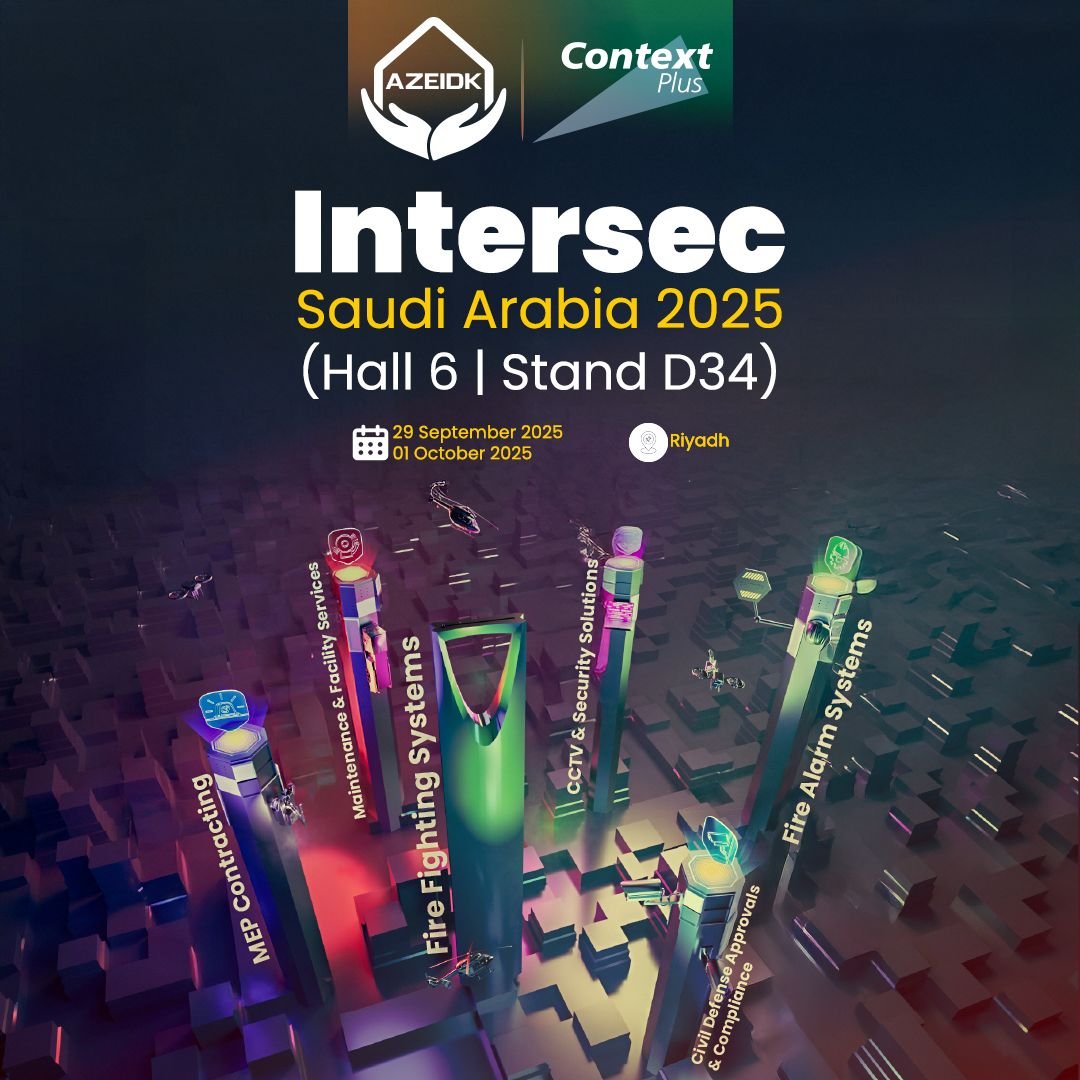
- Exhibition banner sizes depend on the stand and the producer: get the exact dimensions, bleed and safe area in writing first.
- Keep the message, logo and action inside the safe area so nothing is cut on any screen.
Banner design starts with the size, because the size decides how much you can say. A 320 × 50 mobile banner fits a logo, a few words and a button; a 300 × 600 half page fits a product, a headline and an offer. This reference collects the banner design sizes from the platforms’ own help pages, so your designer works to the right dimensions the first time. When you want the banners designed and the campaign run with them, our performance marketing service handles both, and our brand applications service covers banners for exhibitions and showrooms.
For the content of each banner, the message, the proof and the action, read our ad design tips. This article is the size reference.
Google display banner sizes
For uploaded image ads on the Google Display Network, Google accepts GIF, JPG and PNG files up to 150KB. The supported sizes are:
| Group | Sizes in pixels (name) |
|---|---|
| Square and rectangle | 200 × 200 (small square), 240 × 400 (vertical rectangle), 250 × 250 (square), 250 × 360 (triple widescreen), 300 × 250 (inline rectangle), 336 × 280 (large rectangle), 580 × 400 (netboard) |
| Skyscraper | 120 × 600 (skyscraper), 160 × 600 (wide skyscraper), 300 × 600 (half page), 300 × 1050 (portrait) |
| Leaderboard | 468 × 60 (banner), 728 × 90 (leaderboard), 930 × 180 (top banner), 970 × 90 (large leaderboard), 970 × 250 (billboard), 980 × 120 (panorama) |
| Mobile | 300 × 50, 320 × 50 (mobile banner), 320 × 100 (large mobile banner) |
Animated banners must be GIFs, the animation must stop after 30 seconds, and Google states that animated GIF ads must be slower than 5 frames per second. If you only design a few sizes, Google’s own list of common sizes is a good starting point: 300 × 250, 336 × 280, 728 × 90, 300 × 600 and 160 × 600 on computers, and 300 × 50 and 300 × 100 on mobile.
Responsive display ads: images instead of fixed banners
Responsive display ads let Google assemble the banner from your images, logos and text, and fit it to each placement. Google recommends:
- A landscape image of 1200 × 628 pixels (1.91:1), minimum 600 × 314.
- A square image of 1200 × 1200, minimum 300 × 300.
- A landscape logo of 1200 × 300 (4:1) and a square logo of 1200 × 1200.
- Files up to 5120KB, short headlines of up to 30 characters and a long headline of up to 90 characters.
Because Google crops and combines the parts, keep text out of the images and let the headline fields carry the message.
Instagram and Facebook ad sizes
Meta works in ratios rather than fixed banner sizes. Its developer documentation for Instagram ads says:
- Feed: 1:1 is recommended; ratios from 1.91:1 (landscape) to 4:5 (portrait) are supported.
- Stories: 9:16 is recommended.
- Minimum width: images and videos must be at least 600 pixels wide.
Designing at a larger width, such as 1080 pixels, keeps Arabic text sharp on high resolution phones. In vertical placements, keep the headline and button away from the top and bottom edges, where the profile name and the call to action button sit.
Website and social cover banners
Banners on your own website have no single standard; they depend on the theme. Ask your developer for the exact container width and how the banner crops on mobile, and design a separate mobile version when the text is important. Profile covers on social platforms change size often, so check each platform’s current help page before you design.
Exhibition and event banners
Physical banners at an exhibition, a showroom or an event have no universal size. Pull up banners, stand fascia panels, backdrops and hanging banners all depend on the stand design and on the producer’s equipment. Before design starts, get in writing:
- The exact visible size, plus the bleed the producer needs around it.
- The safe area: the part that stays visible once the banner is fixed in its stand or frame.
- The file format, colour mode and resolution the producer accepts.
- For shell scheme stands, the organiser’s rules for the fascia name and graphics.
Keep the logo and the main message at eye level and readable from a few metres away; the bottom of a tall banner is often hidden by people and furniture. Our exhibition booth graphics guide covers the full set of stand graphics.
A checklist before you send banners
- Every required size exists, named clearly with its dimensions.
- File type and file size meet the platform limit.
- Logo, message and action sit inside the safe area.
- Arabic text has been checked on a real phone, including any English names or numbers in the line.
- The landing page matches what the banner promises.
What to do next
List the placements your next campaign or event will use, then match each to its size from this guide before any design starts. When you want the banners designed as one consistent set, our performance marketing service designs and runs digital ads, and our brand applications service designs exhibition and showroom banners and has them produced through our partners. If your ads appear but bring few enquiries, a paid Business Diagnosis session helps find what to change.
Frequently asked questions
What are the most common banner design sizes?
For Google display ads, 300 × 250, 336 × 280, 728 × 90, 300 × 600 and 160 × 600 on computers, and 320 × 50, 300 × 50 and 320 × 100 on mobile.
What is the maximum file size for a Google display banner?
Google's specifications for uploaded image ads allow GIF, JPG and PNG files up to 150KB.
What size should an Instagram ad be?
Meta recommends a 1:1 ratio in the Instagram feed, supports ratios from 1.91:1 to 4:5, and recommends 9:16 for stories. Images must be at least 600 pixels wide.
What size is an exhibition pull up banner?
There is no single standard. It depends on the stand and the producer's equipment, so confirm the visible size, bleed and safe area with the producer before design.
Should text go inside responsive display ad images?
Keep text out of the images. Google crops and combines images, logos and headlines, so the headline fields should carry the message.
- Google Ads Help, Uploaded display ads specifications.
- Google Ads Help, About common sizes for responsive display ads.
- Google Ads Help, Create a responsive display ad.
- Meta for Developers, Instagram ads media requirements.